Short answer
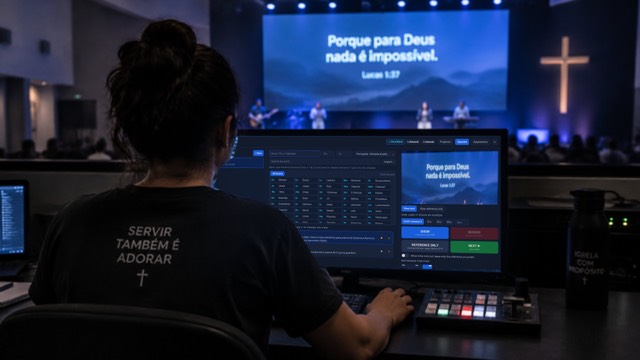
A small church can stream every service with one volunteer when the setup is fixed and simple: one camera on a tripod, the sound taken from the church sound console, one computer and a wired internet connection. Leave everything connected and labeled between services, so that the day itself is only switching on, checking and going live. Add a second camera or text on screen only after the first stage has worked for several weeks.
On this page
The real difficulties of a small church
| Difficulty | What works |
|---|---|
| One volunteer does everything | Fixed cameras and everything prepared before the service. See one-person live production |
| The volunteer changes, or cannot come | Equipment that stays connected and labeled, and a one-page written procedure |
| The sound in the room is good and the stream sounds bad | A feed from the sound console, checked on headphones, instead of the camera microphone |
| The internet in the building is weak | A cable to the router, a test at the time of the service and a recording on the computer |
| Songs with copyright | Read the rules of the platform and consult the rights organization of your country |
| People who do not want to appear | Decide in advance what the camera shows, tell the congregation and keep the camera on the front |
A minimum setup, in three stages
| Stage | What it has | Who runs it |
|---|---|---|
| 1 | One fixed camera on a tripod, sound from the console, a computer, wired internet | One volunteer |
| 2 | A second camera, closer on whoever speaks, and verses or lyrics on screen | One volunteer with practice |
| 3 | A third camera, or a second person running the text or the sound from a tablet | Two volunteers or more |
The camera plan for a church service shows where each camera goes, and the tutorial streaming a service with three cameras covers stage 3.
Where to spend first
- Sound. People keep watching a plain picture with clear sound, and leave a good picture with bad sound. A cable from the console to the computer, through an audio interface, comes before any camera.
- Connection. A network cable to the place where the computer stays.
- A steady tripod and a camera position above the heads of the congregation.
- Light on the face of whoever speaks.
- The second camera, only after the four items above.
A routine that survives the week
- Leave cameras, cables and the computer in place and labeled. Reassembling everything each week is where cables are lost and settings change.
- Write the procedure on one page: what to switch on, in which order, what to check and whom to call.
- Arrive early enough to test with a private stream and listen on headphones.
- Record every service on the computer. If the internet fails, the recording can be published later.
What NWK Live Production offers a small church
NWK Live Production is a live production program for Mac. For a volunteer working alone, these features matter:
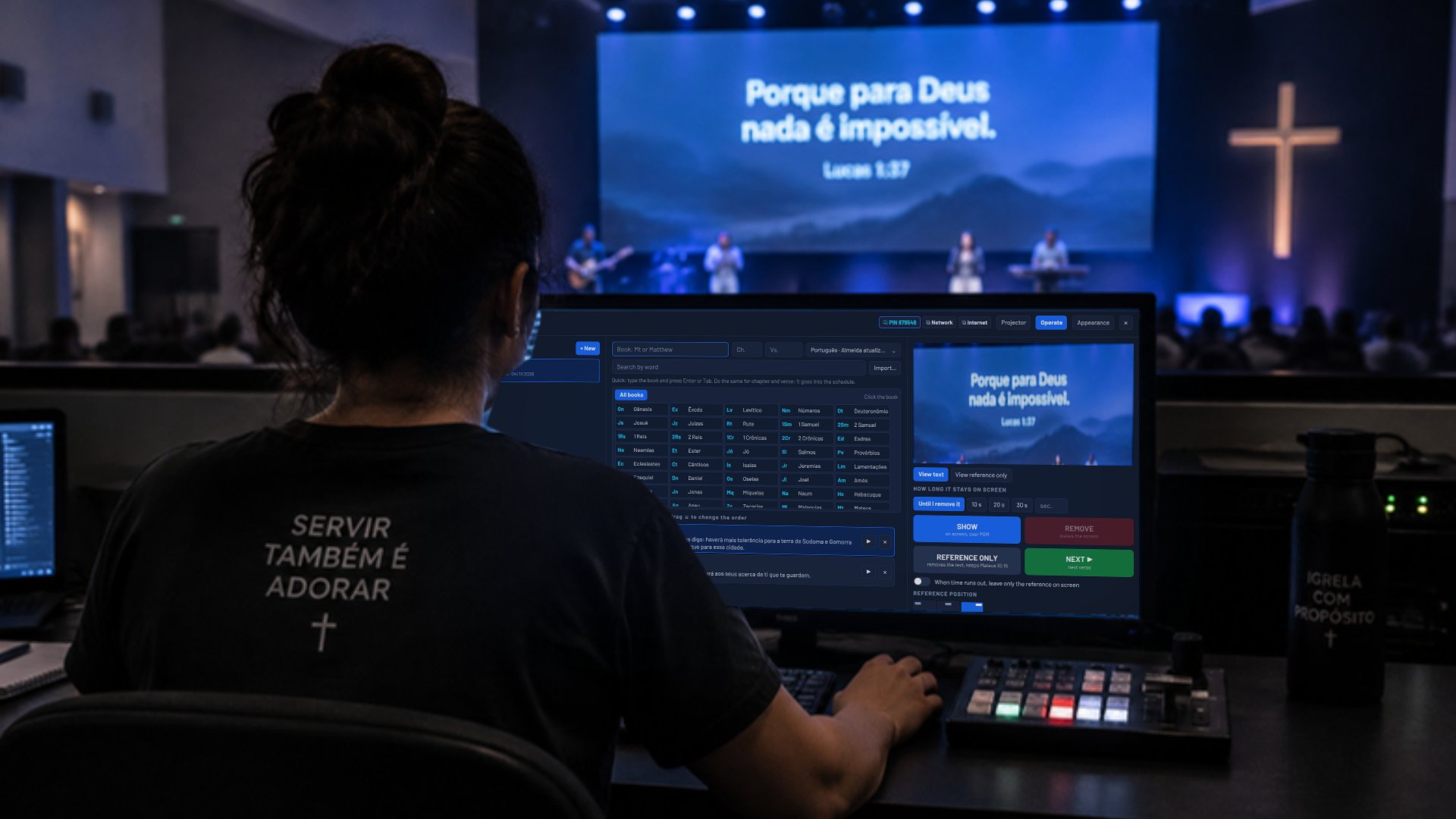
- Bible and lyrics inside the same program. The Bible input comes with free-to-use versions, and there is an input for song lyrics, so a second computer for the text is not needed. See add the Bible.
- The same setup every week. The program reopens the last session as you left it, and a preset stores a ready setup, such as Church service, to apply again. See presets.
- A guide for the first time. The Getting started window leads to the screens for the first stream and puts nothing on air. See getting started guide.
- A voice that moves away from the microphone. Automatic gain control raises or lowers the level toward a target, and noise reduction removes hiss, fans and air conditioning. See automatic level and noise reduction.
Two things to know before choosing: NWK runs on Mac with Apple Silicon, and it confirms the license over the internet each time it opens. Open it while the internet is working; once open, it keeps running if the connection drops. See NWK needs internet to open.
NWK is sold by subscription, with a 7-day free trial; see pricing and the page for churches.
Related questions
What equipment does a small church need to start live streaming?
One camera on a tripod, a cable from the sound console to the computer through an audio interface, a computer with a live streaming program and a wired internet connection. Start with this and add a second camera only when the first stage runs without problems.
Can one volunteer run the whole stream?
Yes, with fixed cameras, the sound coming from the console and everything prepared before the service. One person cannot follow a moving speaker with a camera, mix a band and put text on screen at the same time. When the service asks for that, a second volunteer is needed.
Can a church stream the songs it sings?
It depends on the song, the platform and the country. Platforms have their own rules for music in streams and recordings. Consult the rights organization of your country and the rules of the platform before streaming.
In the NWK help center
- Getting started guide
- Presets as a starting point
- Add the Bible and choose the version
- Automatic level and noise reduction
- NWK needs internet to open
Written and reviewed by the NWK Live Production team (Setor 360 Tecnologia e Eventos Ltda). Published .
NWK has the Bible, song lyrics, cameras, sound and streaming in one program for Mac.
Try NWK free for 7 days