ENPTES Free trial
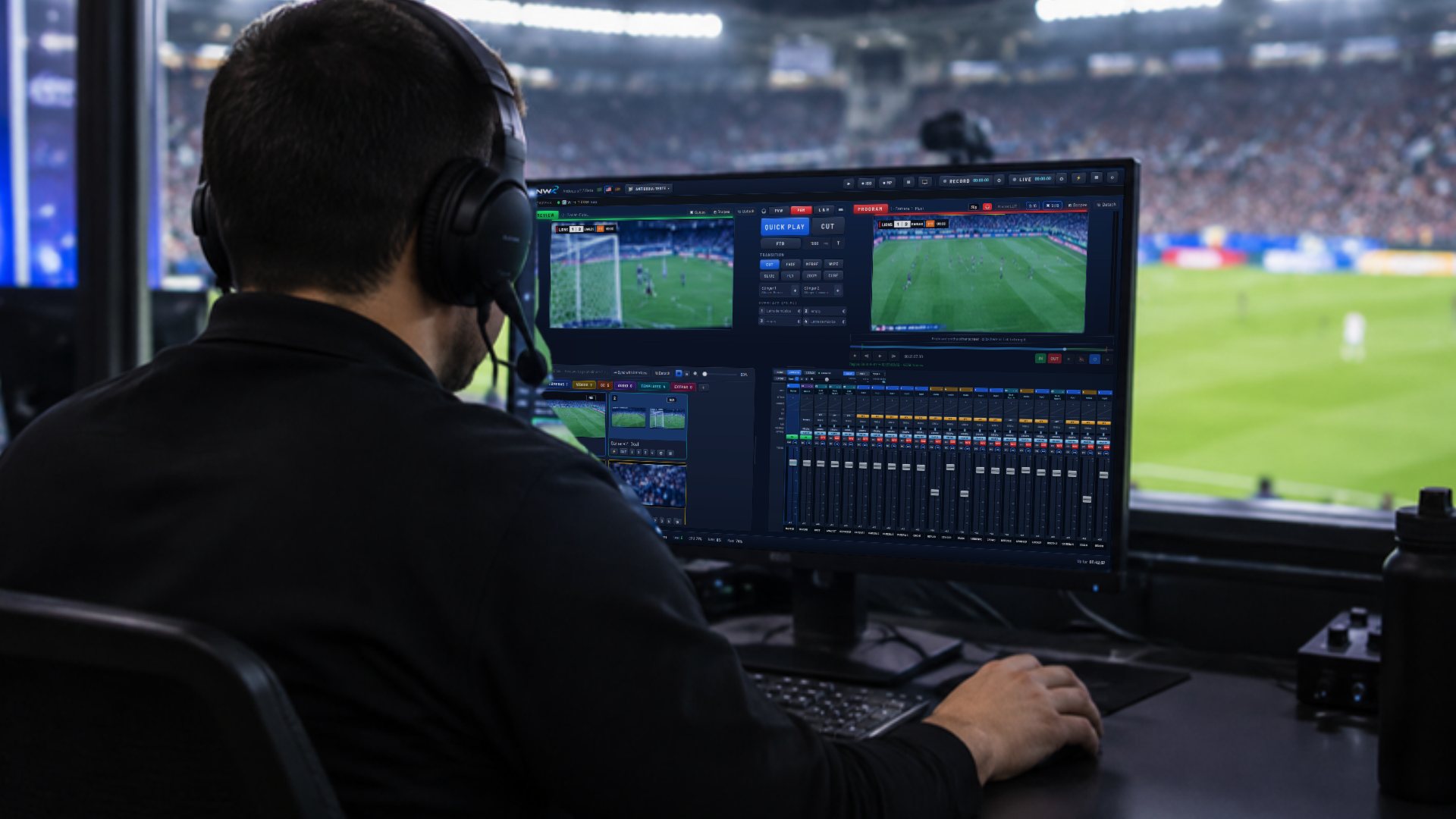
Operator in a stadium booth switching the game cameras in NWK Live Production: Preview with the goal, Program on air with the scoreboard, inputs and audio mixer.

NWK Live Production

Built not to drop. Switching, audio, graphics and streaming in one program.

NWK switches your cameras, mixes audio on a full console, puts a scoreboard, Bible verses and lyrics on screen, records every camera separately and streams to several destinations at once. If the program window closes, the stream stays on air.

Your team works together: audio, Bible and lyrics open in the browser of another computer, tablet or phone, each operator with their own PIN. Runs natively on Apple Silicon Macs; the Windows version is coming soon. Try everything for 7 days.

Everything a live show needs, on one screen

Scoreboard, Bible, templates, color wheels and a full mixer live inside the same program that switches, records and streams. No more stitching four apps together and hoping they talk to each other.

Every tile below is a real NWK screen. The camera images come from a demo game.

Live scoreboard
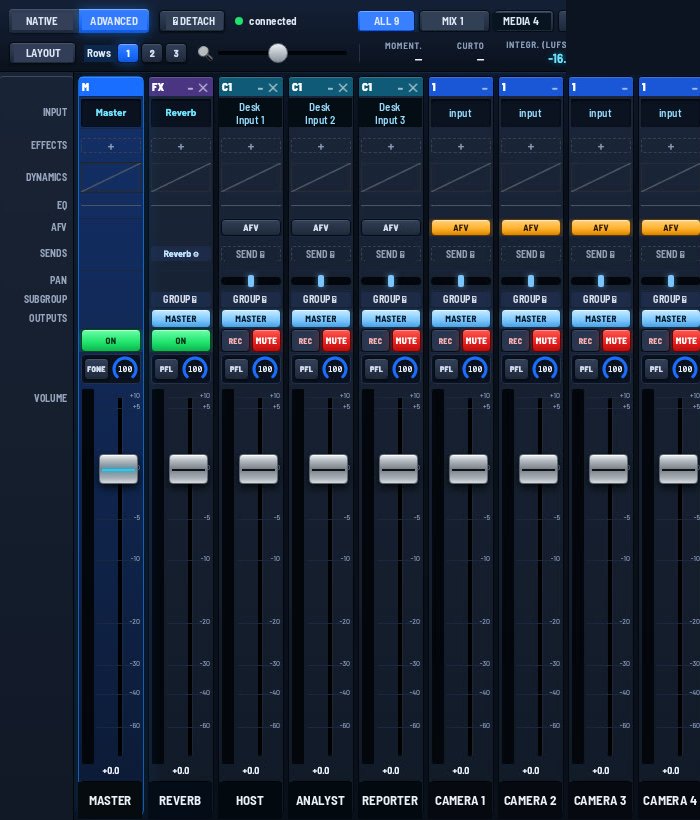
Full audio mixer
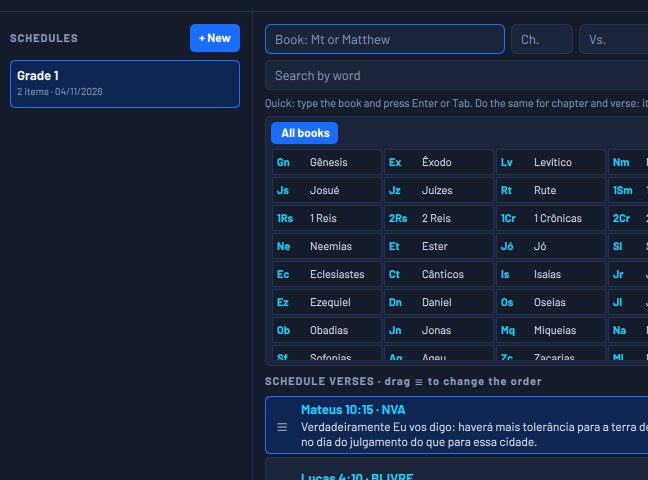
Bible on screen
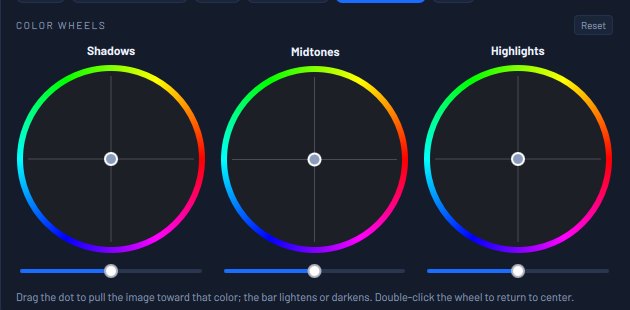
Color wheels
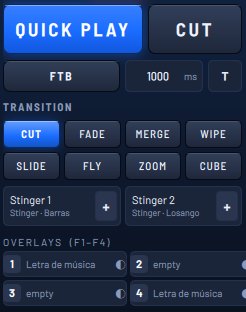
Transitions and stingers
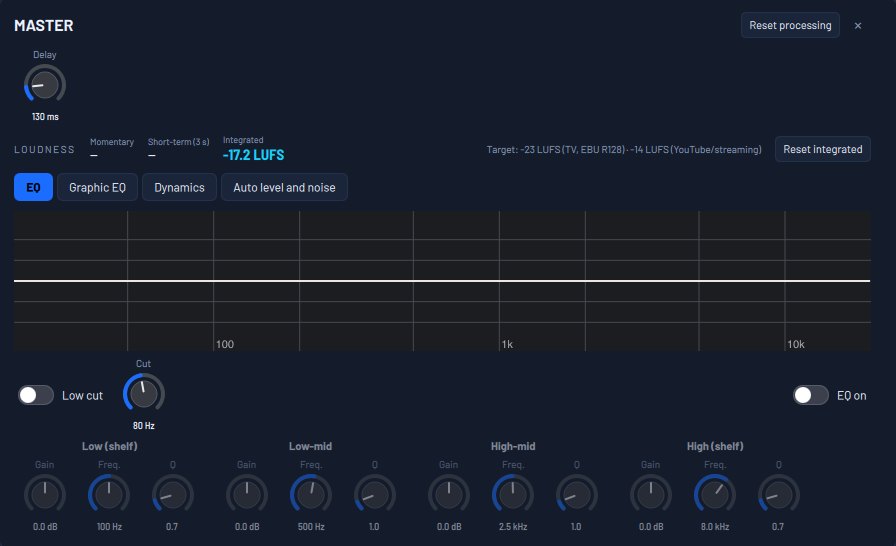
EQ and loudness
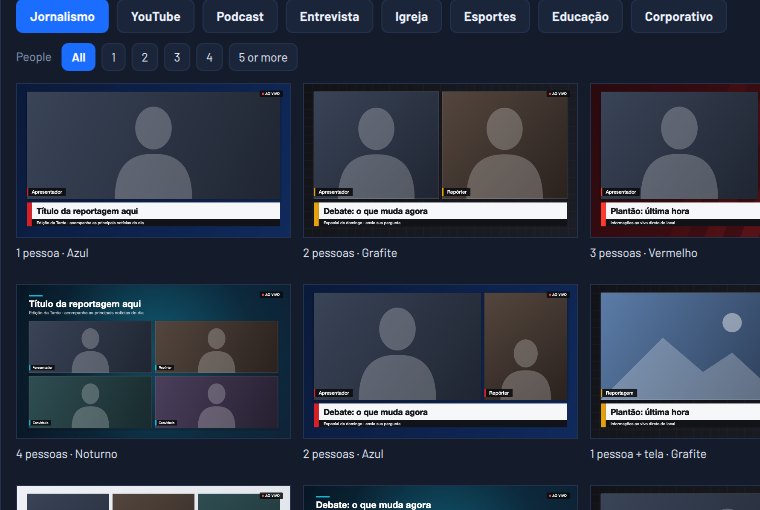
Ready-made templates
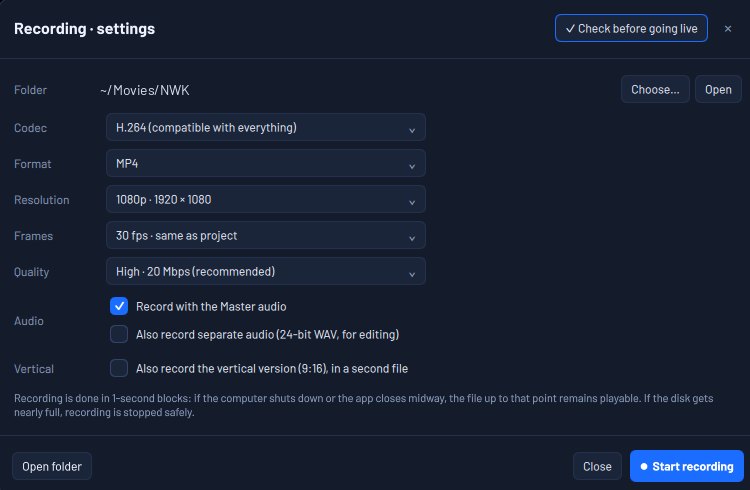
Recording that loses nothing
Program with the scoreboard on air
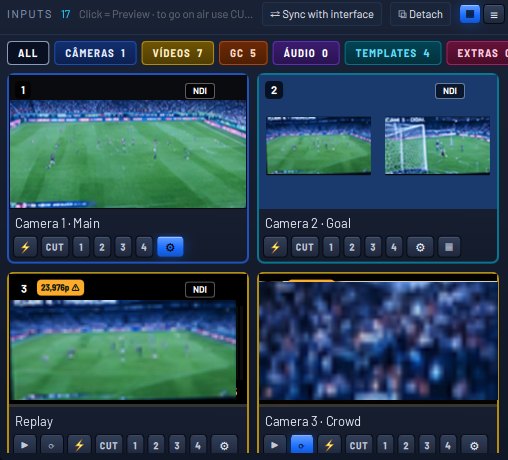
Inputs by category

The stream dropped in the middle of the service, the game, the graduation.

Here, what fails comes back on its own. And you stay on air.

If the program window closes, the stream and the recording keep going. If any part stops, NWK comes back by itself in seconds, with the session, cameras, recordings and streams just as they were.

  • Closing the program by mistake does not take you off air.
  • A camera or capture card that drops comes back without you touching it.
  • Nothing goes live by accident: the space bar never cuts, and ending the stream asks for confirmation.
How NWK stays on air

Scheduling Player

Your channel on air 24 hours a day, 365 days a year

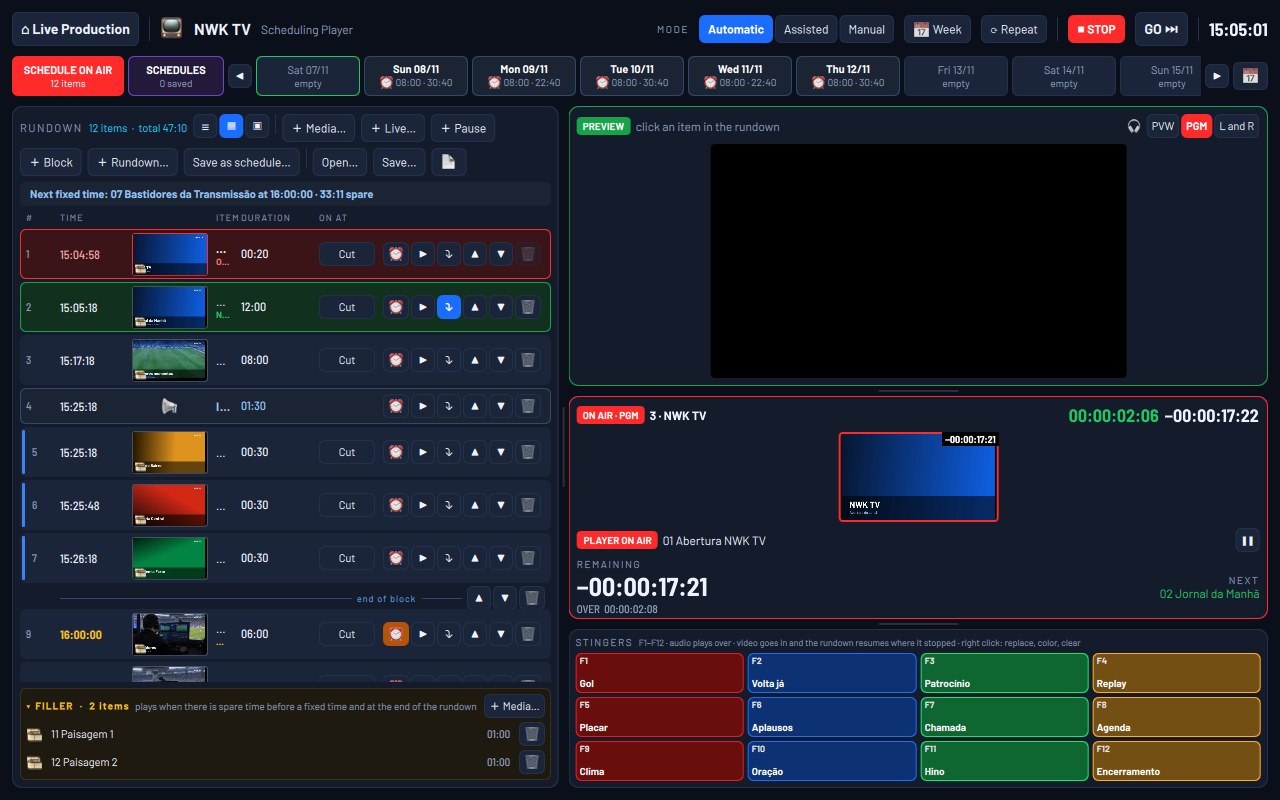
Build a schedule of videos, images, stingers and live cameras and let NWK play it like a TV station: in automatic mode, with fixed times, filler when there is time to spare and the weekly schedule opening the right rundown each day. And tomorrow's schedule gets built while today's is on air.

Meet the Scheduling Player
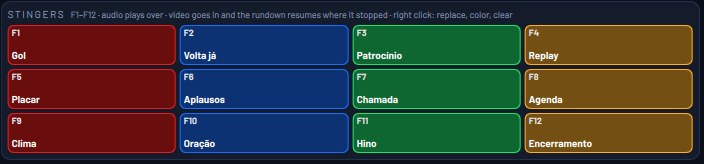
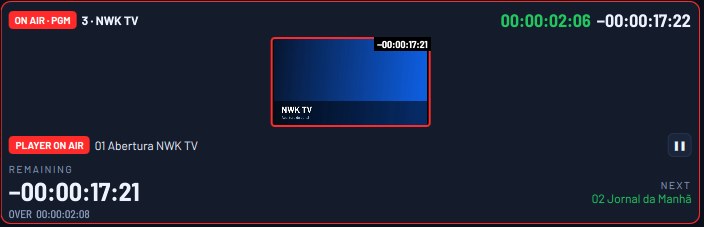
NWK Scheduling Player with a full rundown: 12 items with a commercial break and a fixed time, the week scheduled, what is on air, the filler and the stingers on F1 to F12.
Stingers F1 to F12
On air
Filler

Switching

Preview, Program and a clean cut

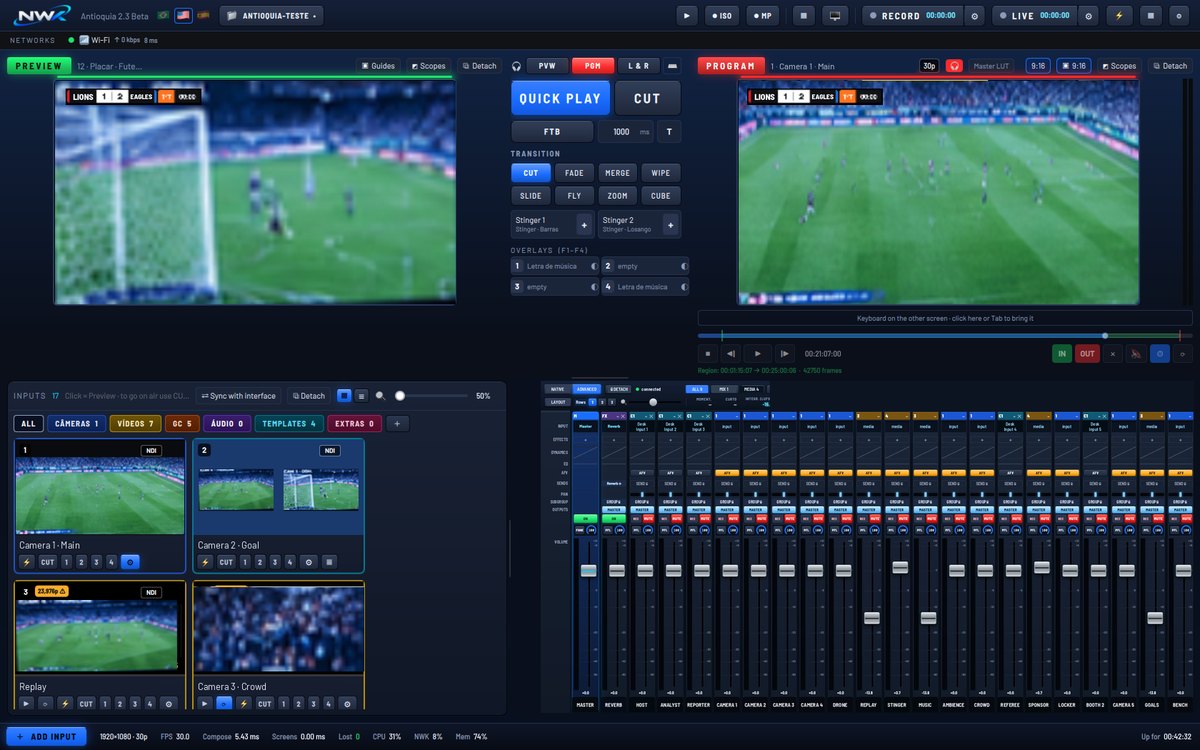
Set up the next camera in Preview and take it to air with CUT, a transition or Quick Play. Two stingers, four overlays and per-camera color, with color wheels and LUTs, are one click away. Inputs sort themselves by category.

NWK main screen: Preview with the goal, Program with the scoreboard on air, transitions, inputs and audio mixer.
Transitions
Program with graphics
Inputs by category
Per-camera color
Ready-made templates

Audio

A full mixing console, inside the program

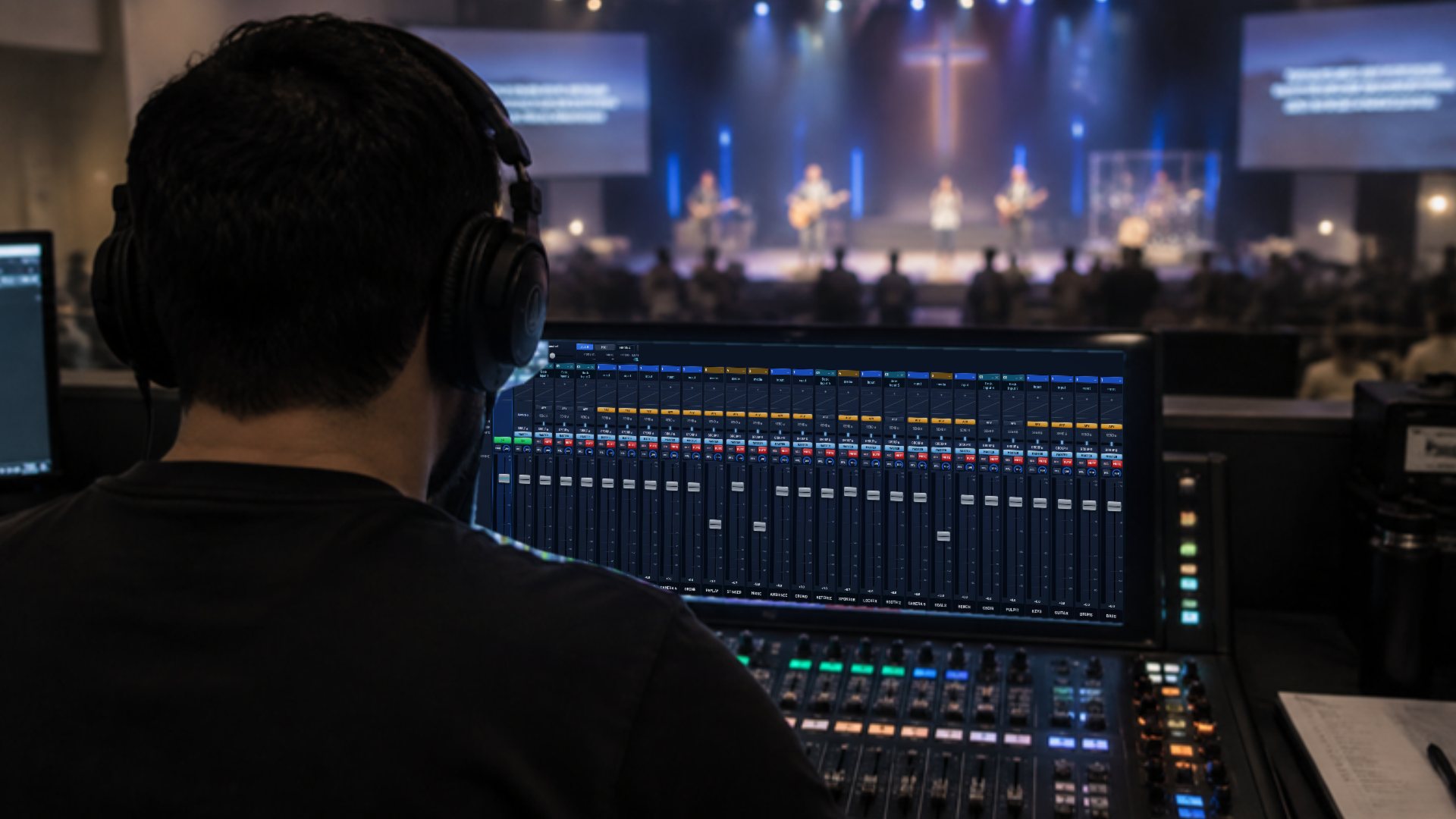
Every channel has EQ, gate, compressor, limiter, automatic level, noise reduction and echo cancellation. Add effects, build monitor outputs, measure loudness in LUFS and let the audio operator work from a tablet, in the browser.

Meet the advanced mixer
Sound engineer in a church, wearing headphones, running the NWK advanced mixer on a wide screen, with the stage behind.
Advanced mixer
EQ and loudness

Scoreboard and graphics

The whole game on screen, no extra program

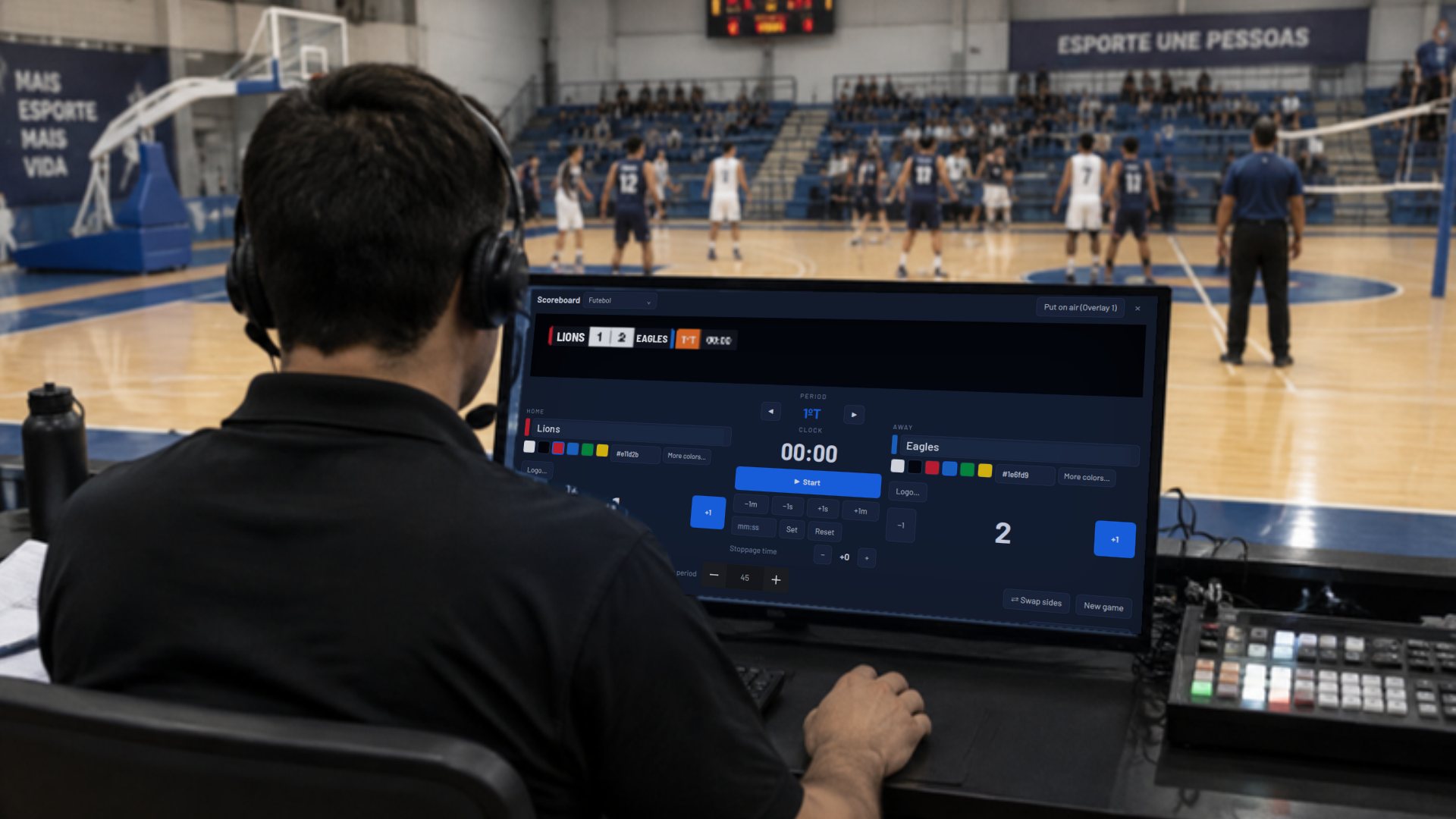
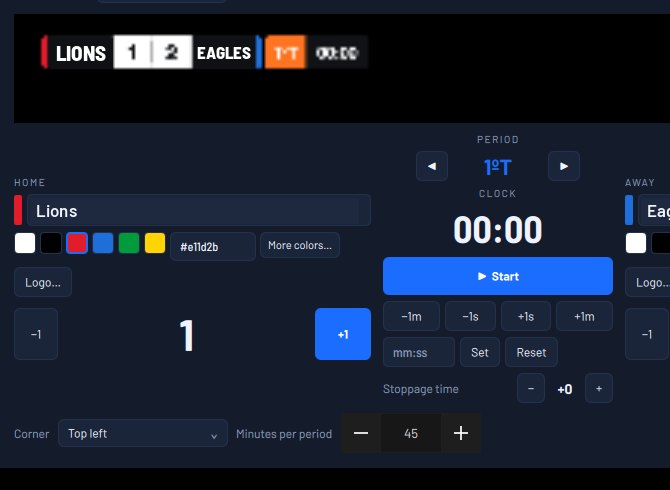
A scoreboard with clock, periods and stoppage time, put on air as an overlay and run with keyboard shortcuts or from a tablet. For the rest of the event, ready-made templates for news, church, sports, podcast, education and corporate, with your colors and text.

Operator courtside in a gym controlling the game scoreboard in NWK.
Scoreboard
Scoreboard on air
Templates

Bible and lyrics

The right verse, at the right moment

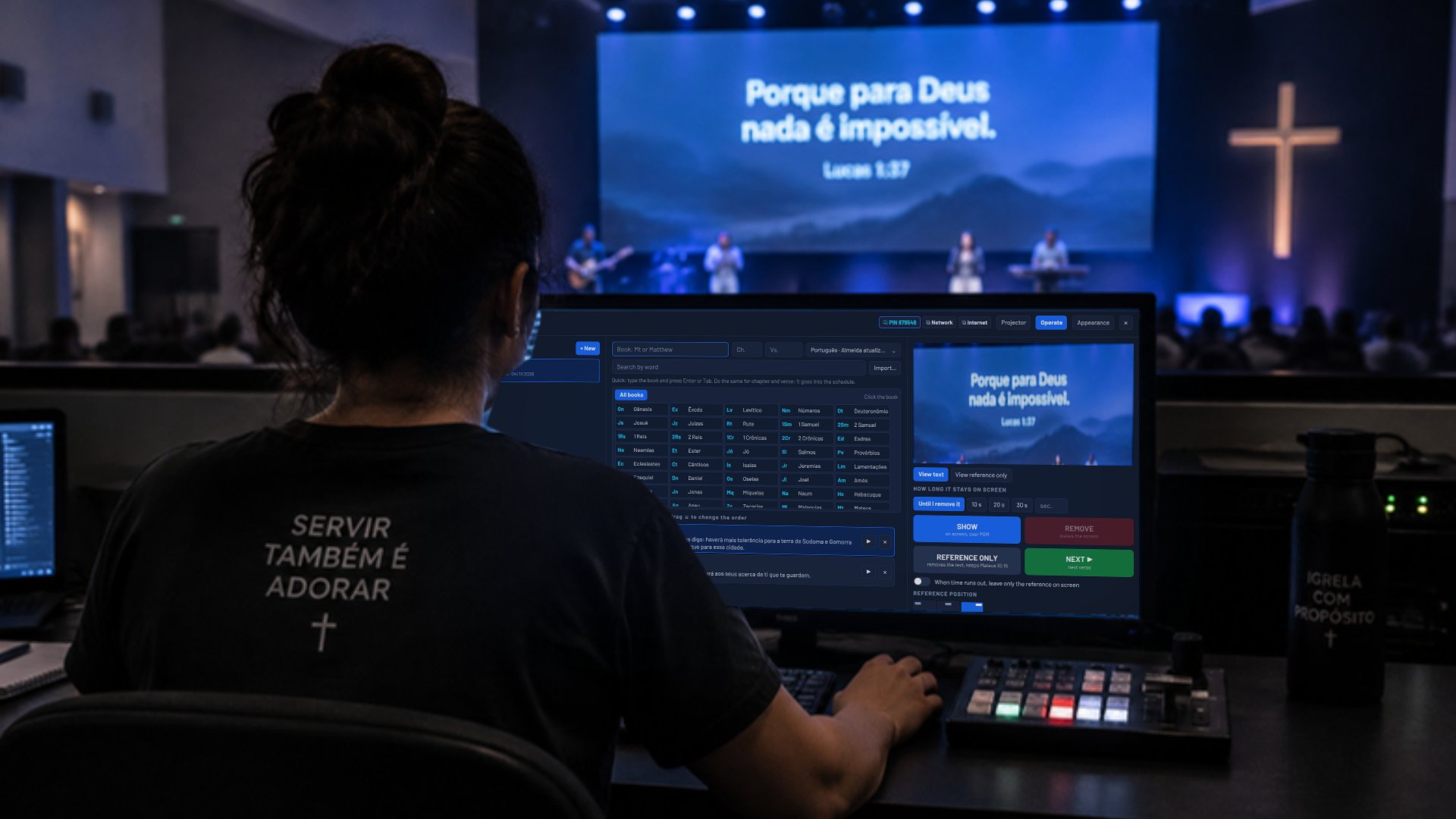
Search by book, chapter or word, build the service schedule and show each verse over the Program, with the reference in the corner. Song lyrics go in as slides. Bible and lyrics can be run from the back of the church, on a tablet or phone, over the network or the internet.

NWK for churches
Volunteer in a church media booth running the Bible in NWK; the verse shows on the big screen behind.
Bible

Recording and streaming

Record everything. Stream to everyone.

On Mac, each camera becomes its own file and each audio channel a 32-bit WAV. Recording is written in blocks: if the computer shuts down, what was already recorded stays. Stream to up to 8 destinations at once, in 16:9 and, on Mac, also in 9:16, with a check before you go live.

All about recording
Recording
Program
Cameras recorded separately

The venue internet wobbles. The 4G drops. The Wi-Fi disappears.

NWK takes care of the internet for you.

On Mac, connect up to four networks: Ethernet, Wi-Fi, 4G. Each destination goes over one network, and if it drops or can't keep up, NWK reconnects over another in a few seconds, without you touching anything. Before going live, it checks that every destination is ready.

  • Up to 8 streams at once, in 16:9 and, on Mac, also 9:16.
  • Each destination with its own quality.
  • Pre-flight check: key, network and destination tested.
How the internet works in NWK

A fair price, in US dollars, worldwide.

Every feature in every plan. The only difference is how you pay.

Launch price for the first 1,000 subscriptions. Subscribe now and keep this price for as long as you renew.

Monthly

US$ 20US$ 29 /month

For occasional events. Renews every month; cancel anytime.

Sales coming soon

Yearly

US$ 100US$ 199 /year

For churches, production companies and weekly streams. Renews every year.

Sales coming soon

Full 7-day trial. Payments are processed by Paddle, which handles the taxes of your country.

Frequently asked questions

Does NWK run on Mac?

Yes. NWK Live Production runs natively on Apple Silicon Macs (M1 or newer) and also on Windows 10 and 11.

What happens if the program closes during the stream?

The stream and the recording keep going. When you open the program again, everything is in place. If any part stops, NWK comes back by itself in seconds, with the session, recordings and streams.

Can it handle bad internet?

On Mac, NWK uses up to four networks at once (Ethernet, Wi-Fi and 4G). If one drops or slows down, the destination reconnects over another in a few seconds, on its own.

Can I record each camera separately?

Yes. Each camera becomes its own file with no graphics, and each audio channel can be recorded as 32-bit float WAV, one file per channel.

Do operators need to install anything on their tablets?

No. Bible, lyrics and audio operators use the browser, over the local network or the internet, each with their own PIN.

How much does it cost?

At launch, US$ 20 a month or US$ 100 a year for the first 1,000 subscriptions, which keep that price for as long as they renew. After that, US$ 29 a month and US$ 199 a year. The price is in US dollars worldwide.