Short answer
Use one wide camera at the back, one close camera on the pulpit and one on the worship team. Take the sound from an output of the mixing console into an audio interface, not from the camera microphone. Put verses and lyrics over the picture from a tablet, so that the person switching cameras only switches cameras.
On this page
Step by step
- Place the three cameras: wide at the back, close on the pulpit, side view of the worship team.
- Connect each camera to the computer through a capture device and add each one as an input.
- Take an output of the mixing console into an audio interface and add it to the mixer.
- Add the Bible and the song lyrics as inputs and prepare the order of service.
- Give the Bible and lyrics operator the address and the PIN to open on a tablet.
- Add the destination with its server and stream key.
- Run the pre-flight check, then rehearse with a private stream.
Where the three cameras go
| Camera | Position | Use |
|---|---|---|
| 1 · Wide | Back of the room, centered, above head height | The safe shot. Always usable while the others reframe |
| 2 · Close | Beside camera 1, zoomed on the pulpit | Preaching, readings, announcements |
| 3 · Side | Side of the stage, at 30 to 45 degrees | Worship team, baptisms, the congregation |
Set all three to the same frame rate as the project and to the same white balance, by hand. Automatic white balance changes from camera to camera every time the stage lighting changes.
Take the sound from the console
The microphone of a camera at the back of the room records the room: reverberation, coughing, the air conditioning. Ask the sound operator for a separate output of the console for the stream, and connect it to an audio interface on the computer. A mix of its own is better than a copy of what goes to the loudspeakers, because instruments that are loud in the room by themselves, such as drums, are quiet in the house mix and disappear from the stream.
In NWK each channel has an equalizer, compressor and limiter, and the Master has a loudness meter in LUFS. A second volunteer can run the sound from a tablet with the Audio Operator.
Verses and lyrics on screen
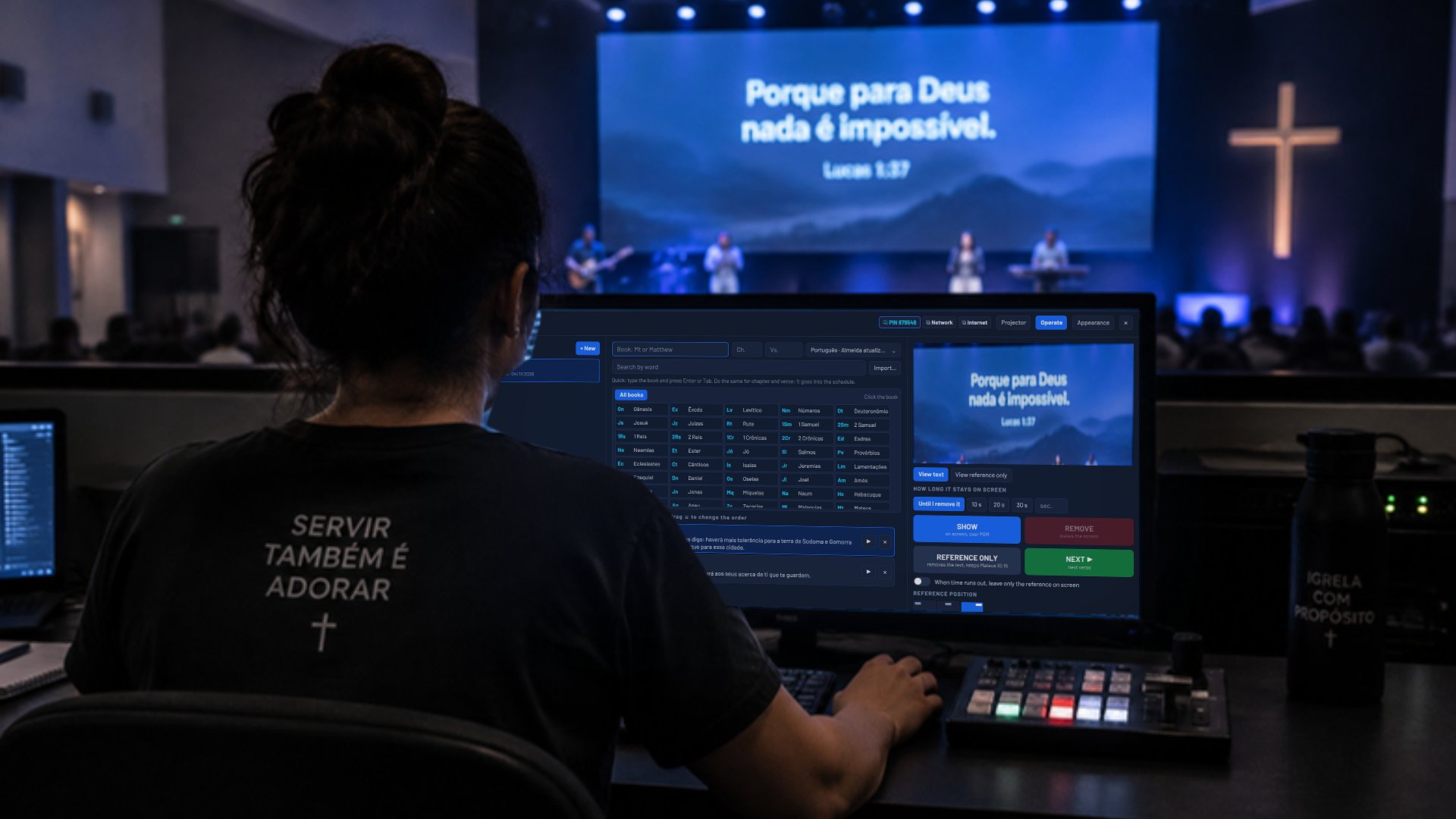
NWK has a Bible input and a lyrics input. Before the service, prepare the order with the verses and the songs. During the service, the operator shows and removes each one from a tablet or phone, in the browser, with a PIN. The text goes over the Program, with the reference, and the person switching cameras does not need to stop to do it.
Dividing the work
| Volunteers | Who does what |
|---|---|
| 1 | Switching and text on the same computer. Keep to the wide and the close camera |
| 2 | One switches; one runs Bible and lyrics on a tablet |
| 3 | The third takes the stream sound on another tablet |
Going live and recording
Add the destination with the server and stream key from the platform, and run the pre-flight check, which tests inputs, microphones, disk, internet and destinations. Record the Program on the computer as well: if the internet fails, the service is still saved, and it can be published afterwards.
Sunday checklist
- Cameras on mains power, not on battery.
- Same frame rate and white balance on all three.
- Sound from the console arriving, with the level checked during the loudest song.
- Order of verses and songs loaded.
- Tablets connected and PINs typed.
- Pre-flight check with no warnings.
- Recording on.
Related questions
Can I stream a service with one camera?
Yes. Start with the wide camera and good sound from the console. Sound matters more to those watching at home than a second camera.
Do I need a license to stream worship songs?
It depends on the country and on the songs. Check with the rights organization of your country before streaming; this guide is not legal advice.
Can the volunteers operate from their own phones?
Yes. The operators open an address in the browser and type a PIN. Nothing is installed on the phone or tablet.
In the NWK help center
- Add a camera or capture card
- Add a microphone or audio interface
- Add the Bible
- Add song lyrics
- Operators in the browser
- Add a destination
- Pre-flight check
Written and reviewed by the NWK Live Production team (Setor 360 Tecnologia e Eventos Ltda). Published .
NWK brings switching, the sound desk, Bible, lyrics and browser operators in one program.
Try NWK free for 7 days