Short answer
Mix-minus is an audio mix made for one listener that contains the whole program except that listener's own voice. It is also called N-1 or a clean feed. A remote guest who receives the full program hears their own voice coming back late, as an echo; with a mix-minus they hear everyone else and not themselves.
On this page
Where the echo comes from
A guest on a call speaks. The voice travels to your studio, enters your mixer and goes into the program. If you send that same program back to the guest, the voice returns to them a fraction of a second later, after two trips over the internet. People cannot speak normally while hearing themselves late. If the guest uses loudspeakers instead of headphones, their microphone picks the voice up again and the echo reaches the audience too.
How a mix-minus is built
You need a second output of the mixer, separate from the main one. Send every channel the guest needs to hear to that output: the host, the other guests, videos and music. Leave one channel out: the guest's own. That output is what goes back to the call.
With two remote guests you need two mixes, one for each. Guest A hears everything minus A; guest B hears everything minus B. The name N-1 comes from this: of N sources, each person gets N minus one.
When you need one
- A remote guest by video call or link.
- A reporter or a second venue that comes in over the internet.
- A telephone hybrid on a radio show.
- A hybrid meeting, when the room has loudspeakers and the call must not hear itself.
You do not need one for people in the same room listening on headphones with no delay.
Mix-minus in NWK Live Production
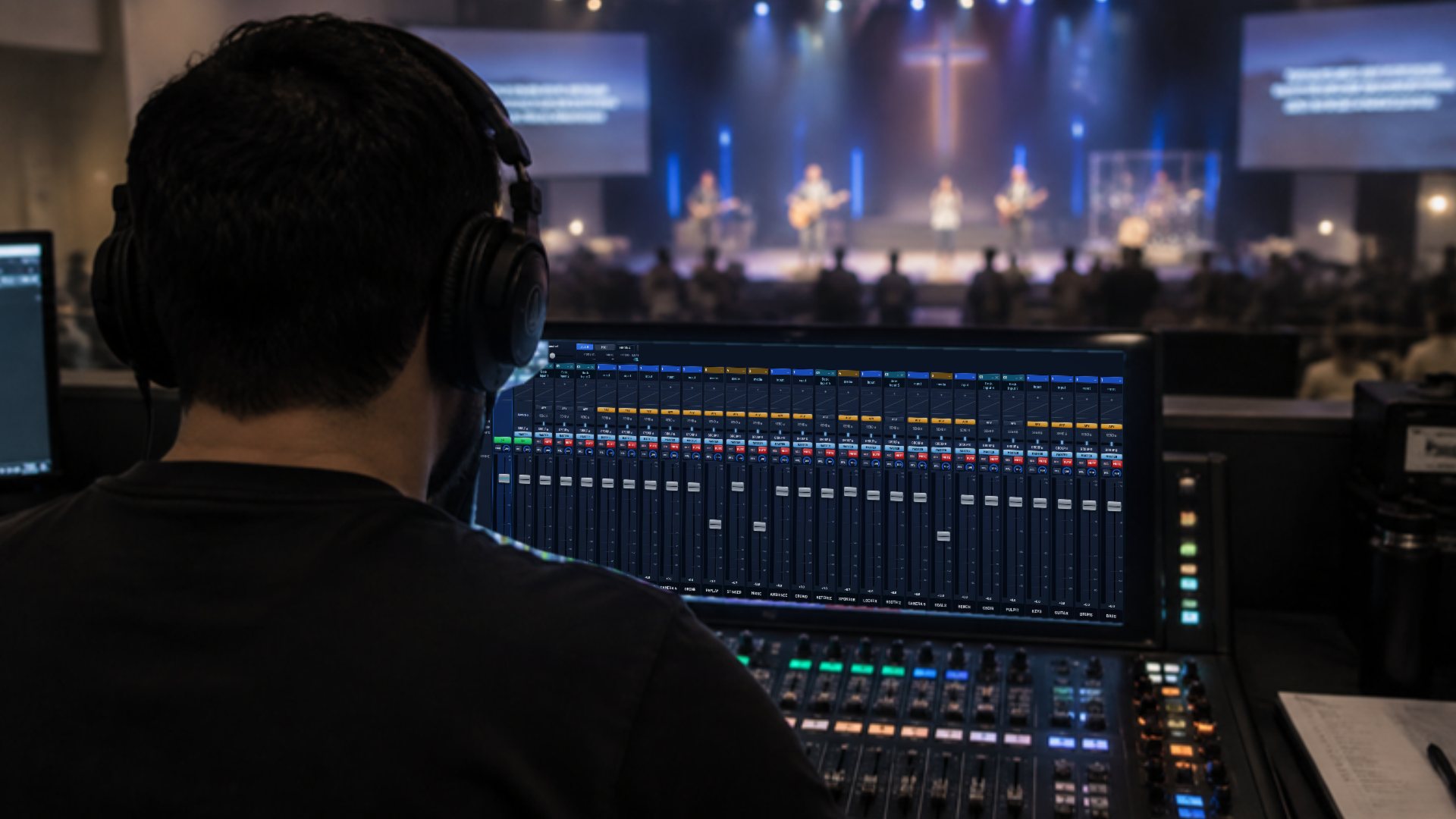
The NWK mixer has outputs A to E beside the Master. Each one is a mix of its own, and on each you choose what goes in, which is how you take the guest's channel out of the mix the guest hears. See outputs A–E and mix-minus.
A guest who joins by link with CALL opens an address on a phone or computer and becomes an input. To take the sound of the mixer into Zoom, Microsoft Teams or Google Meet on Mac, NWK has a virtual microphone.
Common mistakes
- Sending the Master to the call because it is the easiest thing to select.
- Building one mix-minus and using it for two guests: each hears their own voice through the other.
- Forgetting videos and music, so the guest does not hear the clip everyone is reacting to.
- A guest on loudspeakers. Ask for headphones; echo cancellation helps, but headphones solve it at the source.
Related questions
Is mix-minus the same as N-1?
Yes. N-1, mix-minus and clean feed are names for the same thing: the program without the voice of whoever receives it.
Does echo cancellation replace a mix-minus?
No. Echo cancellation removes sound that a microphone picks up from a loudspeaker. A mix-minus stops the voice from being sent back in the first place. Use the mix-minus first.
Does the audience hear the mix-minus?
No. The audience hears the Master. The mix-minus goes only to the guest.
In the NWK help center
- Use outputs A–E and mix-minus
- Remote guest with CALL
- Send audio to Zoom, Teams and Meet
- Cancel speaker echo
Written and reviewed by the NWK Live Production team (Setor 360 Tecnologia e Eventos Ltda). Published .
NWK has five mixes beside the Master, a guest link and a virtual microphone for calls.
Try NWK free for 7 days