
Short answer
There is no single best type of microphone for streaming. Choose by two things: how close the microphone can stay to the mouth, and how much noise and echo the room has. A dynamic microphone used close suits noisy or untreated rooms. A condenser picks up more detail and more of the room. A lavalier or a headset frees the hands of someone who moves. A shotgun is for when the microphone must stay out of the picture.
On this page
The types and what each one is for
| Type | Strong point | Watch out for |
|---|---|---|
| Dynamic, handheld or on a stand | Sturdy, needs no power, picks up little of the room when used close | Loses level quickly when the person moves away |
| Condenser | More detail and sensitivity | Needs power and also picks up the room, the fan and the keyboard |
| Lavalier | Hands free, almost invisible | Rubs on clothing; its position on the chest changes the tone |
| Headset | Stays at the same distance from the mouth while the person moves | It is visible; needs to be fitted to each person |
| Shotgun | Picks up mostly what it points at, from farther away | In a room with echo it also picks up the echo |
| USB microphone | Plugs straight into the computer, without an interface | The cable length is limited, and several at once are less practical than an interface |
Pickup pattern
The pickup pattern says from which directions the microphone hears.
- Cardioid. Hears the front and rejects the back. Point the back of the microphone at what you do not want: the loudspeaker, the fan, the audience.
- Supercardioid and hypercardioid. Narrower at the front, with a small sensitive area directly behind.
- Omnidirectional. Hears all directions equally. Common in lavaliers, because the result changes little when the head turns.
- Figure-eight. Hears front and back and rejects the sides. Works for two people facing each other.
Directional microphones boost the bass when they are very close to the mouth. This is the proximity effect. A low-cut filter corrects it.
Distance matters more than the type
A microphone hears the voice and the room at the same time. Each time the microphone moves away from the mouth, the voice gets weaker and the room stays the same. Turning the gain up afterwards raises the room and the noise together with the voice.
For that reason the microphone built into the camera, several meters from the person speaking, delivers mostly the sound of the room. A simple microphone close to the mouth gives a clearer voice than an expensive one far away.
How each type connects
- XLR. Dynamic and condenser microphones with an XLR connector go to a microphone input of an audio interface or of a mixing console. See Audio interface for streaming and connecting the mixing console to the computer.
- Phantom power. Condenser microphones need power, usually phantom power supplied by the interface or the console through the same cable, on a switch often marked 48 V. Dynamic microphones do not need it.
- Small plug. Lavaliers with a small plug are made for a camera, a recorder or a wireless transmitter. Connected to the camera, the sound arrives at the computer together with the picture.
- Wireless. Handheld, lavalier and headset microphones exist in wireless versions. What keeps them from failing is in Wireless microphones: the basics.
Which one for each situation
| Situation | Usual choice |
|---|---|
| One person talking at a desk | Dynamic or condenser on an arm or stand, close to the mouth |
| Speaker or preacher who walks | Headset or lavalier, wireless |
| Interview standing up, in a noisy place | Handheld dynamic, passed between the two people |
| Panel with several people | One microphone per person, each on its own channel |
| Sound of the audience or of the venue | One or two microphones pointed at the audience, away from the loudspeakers |
| Microphone must not appear in the picture | Shotgun just outside the frame, as close as the frame allows |
Microphones in NWK Live Production
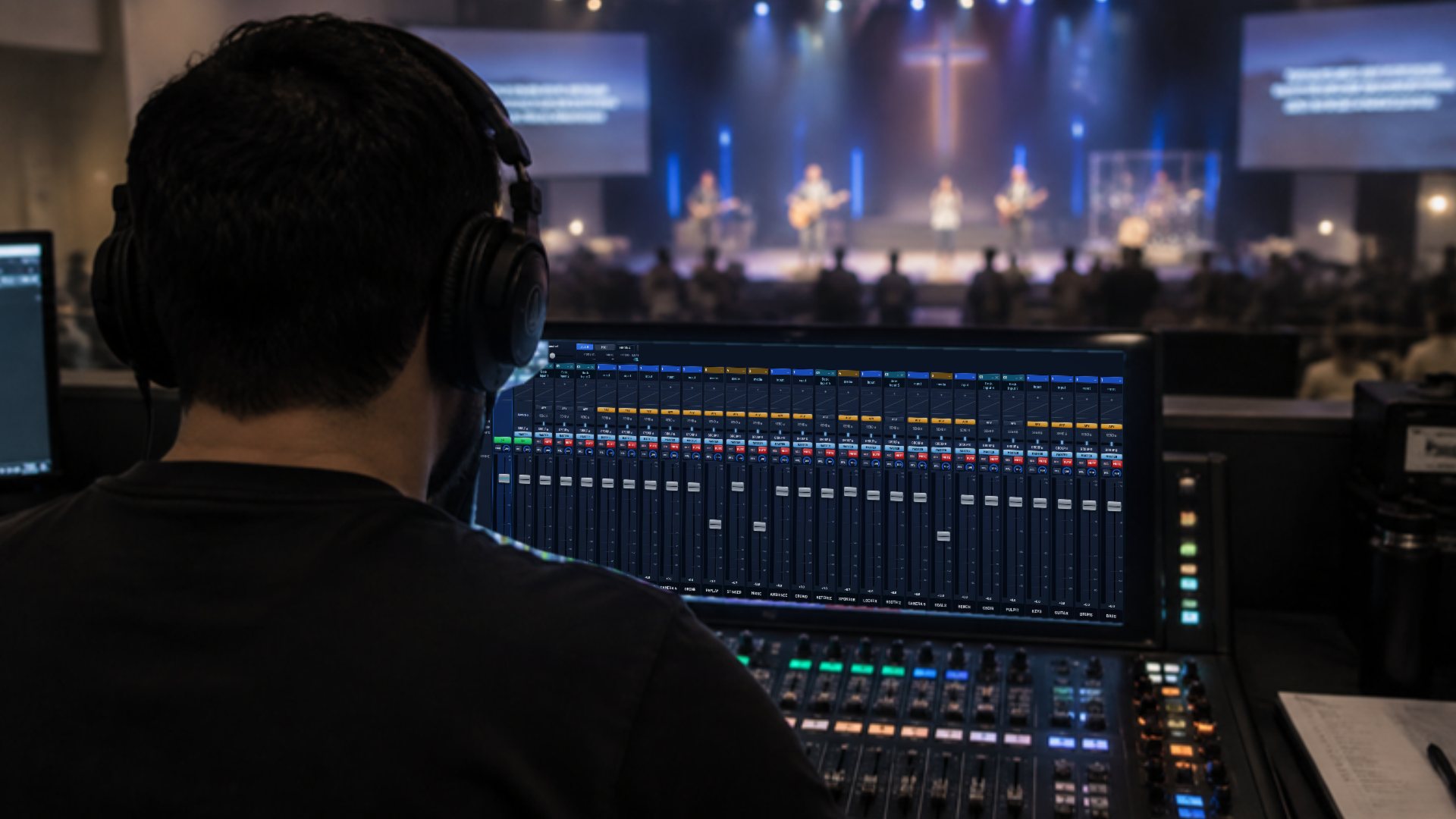
Each microphone connected to the computer or to an audio interface becomes a channel in the NWK mixer. See add a microphone or audio interface. Each channel has:
- Low cut, with the cutoff between 20 and 400 Hz and a default of 80 Hz, which removes rumble, wind and bumps on the mic stand.
- Gate, compressor and limiter, to cut the noise between phrases and keep the voice even.
- Automatic gain control, for someone who speaks sometimes close to the microphone and sometimes far from it, and noise reduction, which removes hiss, fans and air conditioning from the voice.
- PFL, to hear the microphone in the headphones before opening it on air.
Related questions
Is a dynamic or a condenser microphone better for streaming?
It depends on the room. In a room with noise or echo, a dynamic microphone used close to the mouth picks up less of the room. In a quiet, treated room, a condenser gives more detail. In both cases, distance to the mouth changes the result more than the type.
Do I need phantom power?
Only for microphones that ask for it, which is the case of most condensers with an XLR connector. Dynamic microphones work without it. The manual of the microphone says what power it needs.
Is the camera's built-in microphone enough?
For the sound of the venue, yes. For speech, almost never: it is far from the mouth and picks up mostly the room. Use a microphone close to the person and keep the camera microphone as ambient sound or as a backup.
In the NWK help center
- Add a microphone or audio interface
- Low cut, 4-band EQ and graphic EQ
- Gate, compressor and limiter
- Automatic level and noise reduction
- Listen to one channel with PFL
Written and reviewed by the NWK Live Production team (Setor 360 Tecnologia e Eventos Ltda). Published .
NWK gives each microphone its own mixer channel with low cut, EQ, gate, compressor, limiter and noise reduction.
Try NWK free for 7 days
