Short answer
On a Mac, what the computer plays on its speakers does not appear in the list of audio inputs, so a streaming program cannot simply select it like a microphone. The sound reaches the stream in one of five ways: by opening the content inside the streaming program, through a capture function of the program that uses the system's recording permission, through a virtual audio device, through a cable from an output to an input of an audio interface, or from a second computer.
On this page
Why the sound of the Mac is not an input
macOS separates audio devices into inputs and outputs. A microphone and the inputs of an interface are inputs. The speakers and the headphone jack are outputs. A program that mixes audio lists the inputs; what another application is playing goes straight to an output and is not in that list.
What Apple documents
- Core Audio taps. Apple's documentation describes a tap that captures the outgoing audio of a process or a group of processes and can be used as an input, like a microphone. The first time an application records through a tap, the system asks the user for permission to record system audio. Apple's sample for this function requires macOS 14.2 or later.
- The permission. In System Settings, under Privacy & Security, the Screen & System Audio Recording list shows which applications may record. Apple's support page says an application can be allowed to record the screen and the audio, or only the audio.
Five ways to get the sound into the stream
| Way | How it works | Watch for |
|---|---|---|
| Open the content inside the streaming program | The video or the music file becomes a source of the program, with its own channel | Only works for content you have as a file |
| Capture function of the program | The program records the sound of the system or of one application, with the permission described above | Not every program has it; system sounds and alerts come along |
| Virtual audio device | An output that exists only in software and appears to other programs as an input | It is installed in the system; you stop hearing the sound unless you also route it to the speakers |
| Cable on the audio interface | An output of the interface is wired to one of its inputs | Uses one output and one input; set the level by hand |
| Second computer | Another computer plays the content and delivers picture and sound by capture card or over the network | More equipment, but nothing competes with the production computer |
Computer sound in NWK Live Production
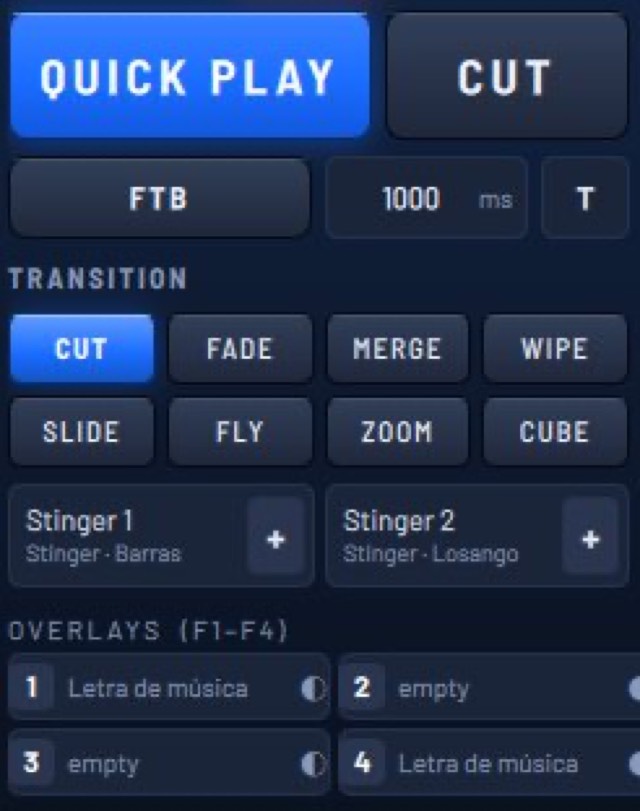
In NWK, the direct path is to bring the content in as an input. A video file becomes an input, and its sound goes on air when the video is on Program; see add a video. Music, stingers and sound effects come in as audio files, in MP3, WAV, AIF, AIFF, M4A, AAC, CAF or FLAC; the audio file comes in muted for air until it goes to Program, and you can change that on the thumbnail. See add an audio file.
Sound that arrives through a device is added as an audio input: a microphone or an interface, with the channels you choose. See add a microphone or audio interface. The sound of a second computer can arrive with the picture, through a capture card that has sound of its own or through an NDI® source, whose sound becomes a channel in the mixer.
The NWK virtual microphone works in the opposite direction: it takes the Master or one of the outputs A–E to Zoom, Microsoft Teams or Google Meet. It does not capture the sound of the Mac. See virtual microphone for meetings.
Related questions
Why does my Mac not show the computer audio as an input?
Because macOS lists as inputs only the devices that capture sound, such as microphones and interface inputs. What an application plays goes to an output.
Does macOS need permission to record system audio?
Yes. Apple's support page describes a list in System Settings, under Privacy & Security, called Screen & System Audio Recording, where each application is allowed or not.
How do I play music from the computer on a live stream?
The most reliable way is to add the music file as a source in the streaming program, so that it has its own channel and level. Music played by another application needs one of the capture methods.
In the NWK help center
- Add a video
- Add an audio file
- Add a microphone or audio interface
- Add a camera or capture card
- Send audio to Zoom, Teams and Meet
Sources and references
- Apple Developer Documentation: Capturing system audio with Core Audio taps
- Apple Support: Control access to screen and system audio recording on Mac
Written and reviewed by the NWK Live Production team (Setor 360 Tecnologia e Eventos Ltda). Published .
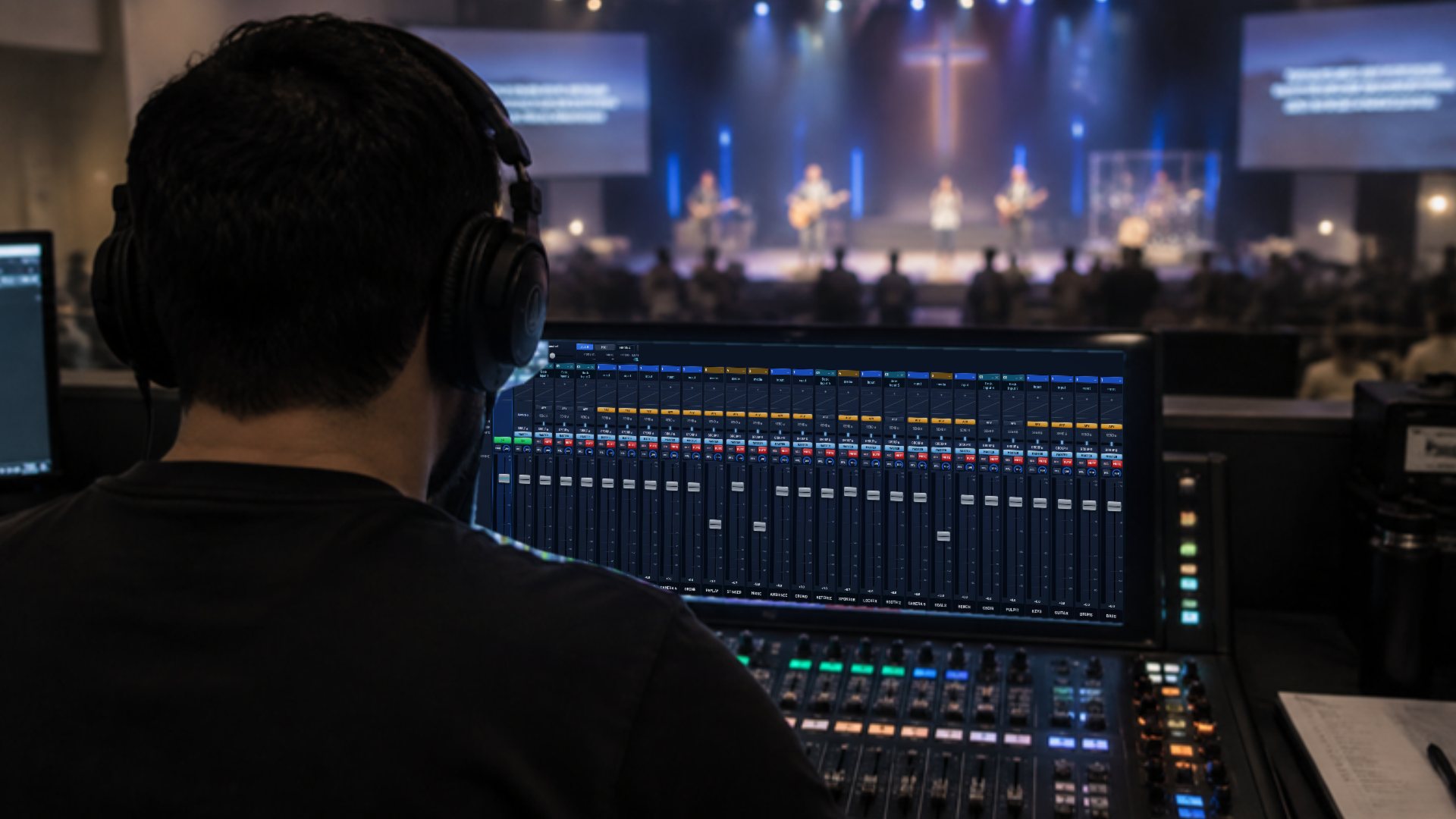
NWK Live Production plays video and audio files as inputs, each with its own channel in the mixer.
Try NWK free for 7 days