
Short answer
Viewers see buffering when the player runs out of video to show. Either the stream reaches the platform late or incomplete, which is on your side, or the viewer's connection cannot download the quality being played, which is on the viewer's side. If every viewer sees the buffering at the same moment, look at your upload and your encoder settings. If only some viewers see it, the cause is their connection.
On this page
Everyone or only some viewers
| What happens | Where to look |
|---|---|
| Every viewer buffers at the same moment | Your upload or your computer |
| Every viewer buffers from the first minute, with upload to spare | Encoder settings, starting with the keyframe interval |
| Some viewers buffer, others watch normally | The connection or the device of those viewers |
| Buffering only at the highest quality of the player | The bitrate is high for the connection of those viewers |
Test like a viewer: open the stream on a phone using mobile data, not the Wi-Fi of the venue. A phone on the same network as the encoder competes for the same upload and proves little. Then open the stream health page of the platform, which reports what the platform is receiving.
When the stream reaches the platform late
The platform can only pass on what it receives. When the upload cannot carry the bitrate, or the computer cannot encode in time, video arrives late or not at all and the player of every viewer stops to wait.
- Lower the bitrate until the total stays well under the measured upload. The arithmetic is in how much upload speed a live stream needs.
- Connect the computer to the router with a cable.
- Turn off the destinations you can do without. Each direct destination is one more upload.
- If the dropped-frame counter of your program keeps rising, follow dropped frames: causes and fixes, which separates network, computer and source.
Encoder settings that cause buffering
A stream can arrive complete and still play badly when it is built in a way the platform does not expect.
- Keyframe interval. The player can only start, or recover, at a keyframe. YouTube recommends a keyframe every 2 seconds and says not to exceed 4; its stream health page warns that keyframes sent too far apart can cause buffering. See keyframe interval.
- Bitrate outside the range of the platform. Use the range the platform publishes for your resolution and frame rate. The YouTube table is in the sources.
- Bitrate that swings a lot. YouTube lists constant bitrate (CBR) in its encoder settings. A constant bitrate is easier for a tight connection to carry than one with tall peaks.
When it is the viewer's connection
Large platforms such as YouTube convert the stream into several qualities, and the player picks one according to the viewer's connection. A viewer on a weak connection who forces the highest quality will see buffering, and nothing in your encoder changes that.
- Tell the audience, in the description or in the chat, to lower the quality in the player when the video stops.
- When most of the audience watches on mobile networks, a lower bitrate and resolution at the origin helps, mainly on platforms or servers that pass the stream on without converting it.
What to check in NWK Live Production
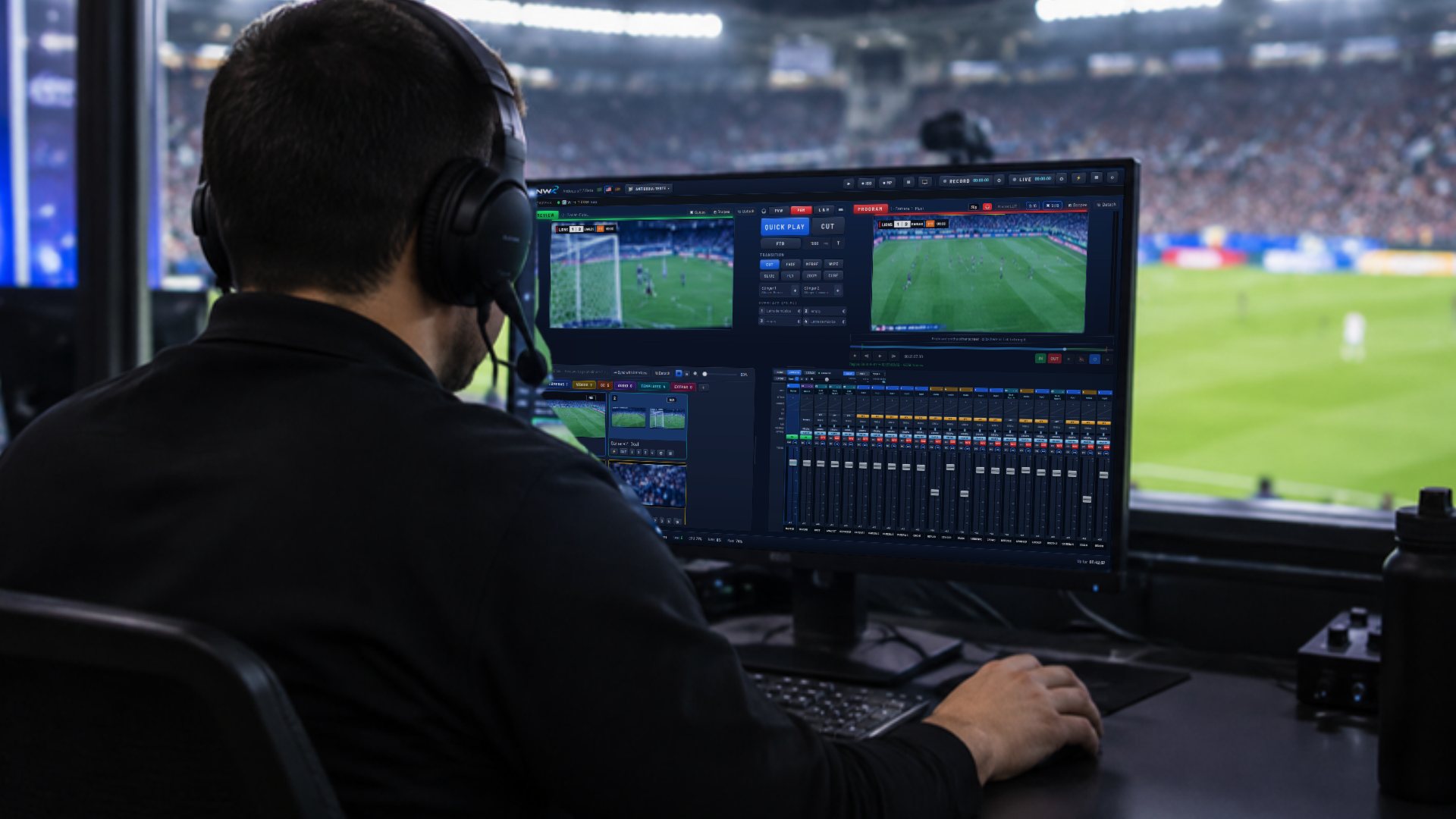
At the top of the window, next to LIVE, there is a dot for each destination: green on air and yellow reconnecting. The destination list shows how many reconnections each one has made, and NWK warns when the network lacks bandwidth for the stream bitrate. In the footer of the main screen, a Lost count that keeps going up means the computer is overloaded.
To ease the load on air, turn off a destination in the list; the on/off button of each destination works during the stream. Each destination has its own resolution and bitrate, so a secondary platform can receive less. See internet dropped during the stream and quality per destination.
Related questions
Why does my stream buffer when my internet is fast?
The speed that internet plans advertise is usually the download speed. A live stream uses upload, which is often much lower and is shared with everything else on the same line. Measure the upload at the venue and compare it with the total bitrate you send.
Is the recording affected when viewers see buffering?
No. A recording made on the computer does not go through the internet. If the recording also stutters, the problem is in the computer or in a source, not in the network.
How do I check the stream the way a viewer sees it?
Open the stream on a phone using mobile data, on a different network from the one that sends the stream. Then compare what you see with the stream health page of the platform.
In the NWK help center
- Internet dropped during the stream
- Multiple internet connections
- Quality per destination
- Pre-flight check
Sources and references
- YouTube Help: fix live stream issues and stream health messages
- YouTube Help: choose live encoder settings, bitrates and resolutions
Written and reviewed by the NWK Live Production team (Setor 360 Tecnologia e Eventos Ltda). Published .
NWK shows the state of each destination next to LIVE and warns when the network lacks bandwidth for the stream bitrate.
Try NWK free for 7 days
