Short answer
In soccer, mark every goal, shot on goal, save, foul near the area and card as it happens, and put the replay on air only while the ball is out of play: after the goal, or before the free kick or the corner is taken. Record at least the high main camera and a tight camera; a camera behind the goal is the angle that adds the most. Return to the live picture before the restart.
On this page
What to mark
| Play | Where the clip starts | Best angle |
|---|---|---|
| Goal | At the pass or cross before the shot, not at the shot | Main camera for the build-up, then tight or behind the goal |
| Shot and save | At the pass before the shot | Behind the goal, or tight |
| Foul and card | A moment before the contact | Tight |
| Penalty | The foul and the kick, as two plays | Tight for the foul, behind the goal for the kick |
The marking technique is in marking plays: in and out points.
When to play it
The clock in soccer keeps running and there are no timeouts, so the replay fits only in the stoppages of the game.
- After a goal. The longest window. The celebration and the walk back to the center give time for two angles.
- Foul with a player down, card, substitution. Time for one angle, sometimes two.
- Ball out for a corner or a goal kick. Short. One angle, or nothing.
- Throw-in or quick free kick. Nothing. The game restarts before the replay ends.
Keep the live camera in view while the replay is on air. When a player puts the ball down to restart, return to live, even in the middle of the replay.
Which cameras matter
The positions for the whole game are in streaming a game with scoreboard and replay. For the replay, the cameras add value in this order:
- Tight camera beside the main camera. The same play in another framing: the foot on the ball, the contact in a foul, the face after the goal.
- Camera behind the goal. Shows the ball going in, the goalkeeper and the defensive line. One camera covers one goal, and the teams change ends at the interval, so the same camera sees each team attack for half of the game.
Offside needs care. Only a camera level with the last defender shows the positions correctly; from the center of the field the angle distorts them. Show the play, and do not present it as proof.
Length and speed
A replay of one angle works best when it is short: the pass, the shot and the result. The build-up reads better close to normal speed, and the contact or the ball crossing the line reads better slow. With two angles, show the wide angle first, so the audience understands the play, and the tight angle after it.
In NWK Live Production
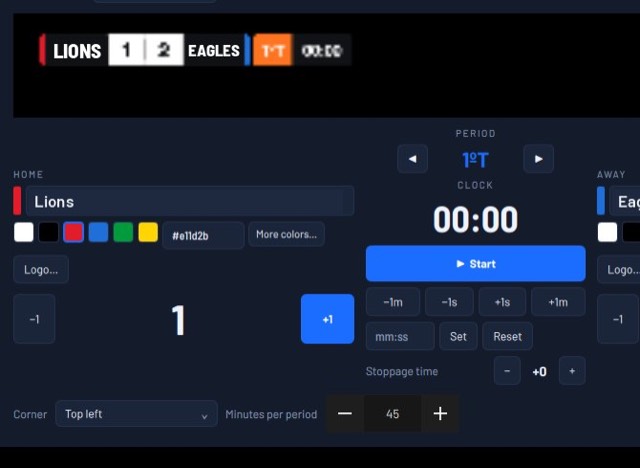
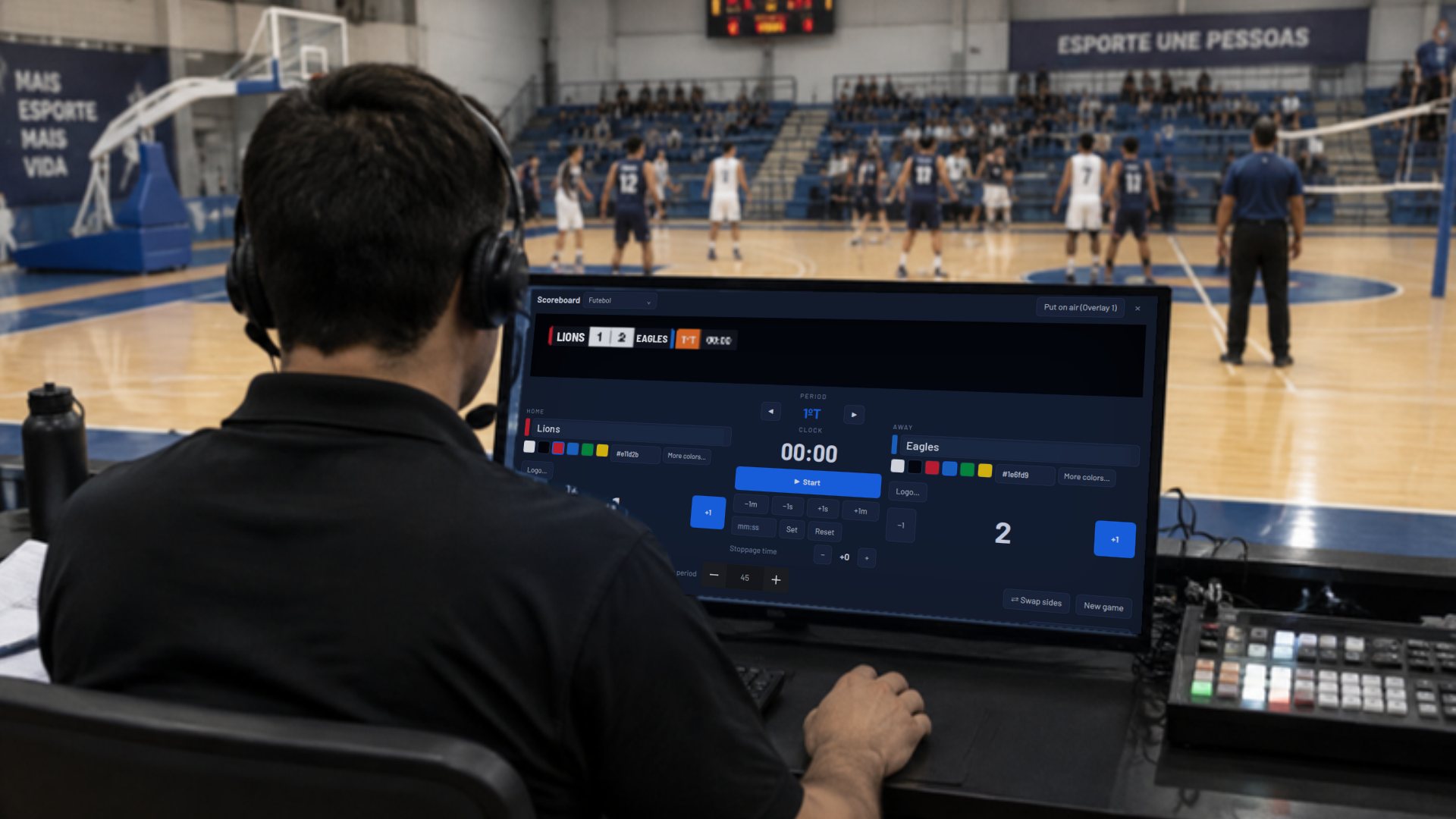
In NWK the replay is operated in the browser, with its own PIN. Several angles are recorded at the same time, plays are marked with one key, and the speed goes from 25% to 200%, with slow motion. A highlights playlist holds the plays for the interval. The live broadcast never stops: one screen shows what is on air and the other shows the play being edited. NWK also has a soccer scoreboard, with clock, period and added time.
Related questions
Can the replay of the stream be used to check a decision of the referee?
The replay of a stream shows the audience what happened; it is not a video review system. The stream has few angles and none of them is placed to judge a line or an offside. The commentary should describe the play and leave the decision to the referee.
How many replays should a game have?
There is no fixed number. Show every goal and the clear chances, fouls and saves that people will talk about.
What happens to the sound during the replay?
The usual practice is to keep the live sound, with the crowd and the commentary, under the replay.
In the NWK help center
Written and reviewed by the NWK Live Production team (Setor 360 Tecnologia e Eventos Ltda). Published .
NWK has switching, the scoreboard and multi-angle replay in one program for Mac.
Try NWK free for 7 days