Short answer
Lyrics and slides get from the presentation software to the stream in three ways: as a video source on the local network with NDI®, as a second screen output connected to a capture card, or as a web page that the streaming program loads. Network video and web pages can arrive with a transparent background; a capture card delivers a full picture that needs a key. Lag comes from Wi-Fi, from conversion steps, from an overloaded computer and from the operator advancing late.
On this page
The three ways, side by side
| Way | What it needs | Transparent background | Where delay comes from |
|---|---|---|---|
| Network video (NDI) | Both computers on the same wired network, and a presentation program with a network video output | Possible when the presentation program sends it | Wi-Fi, a busy network, a slow switch |
| Second screen output and capture card | A free video output on the projection computer, a cable and a capture card | No. The picture is full frame | The capture card and any converter in the path |
| Web page | A presentation program that publishes the current text as a page on the local network | Possible when the page is made for it | How often the page is updated and drawn |
Check in the presentation software which outputs exist. Many programs have an output made for streaming, separate from the output of the room screen, with its own layout.
Two layouts: the room screen and the stream
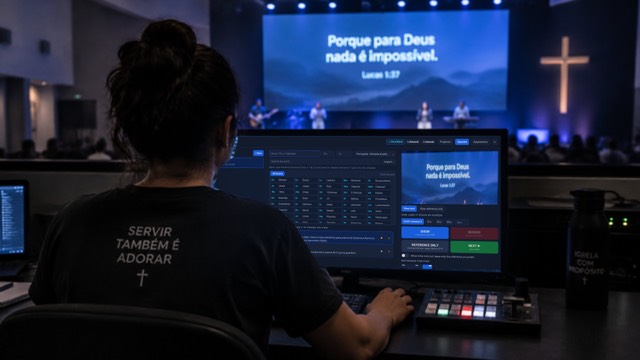
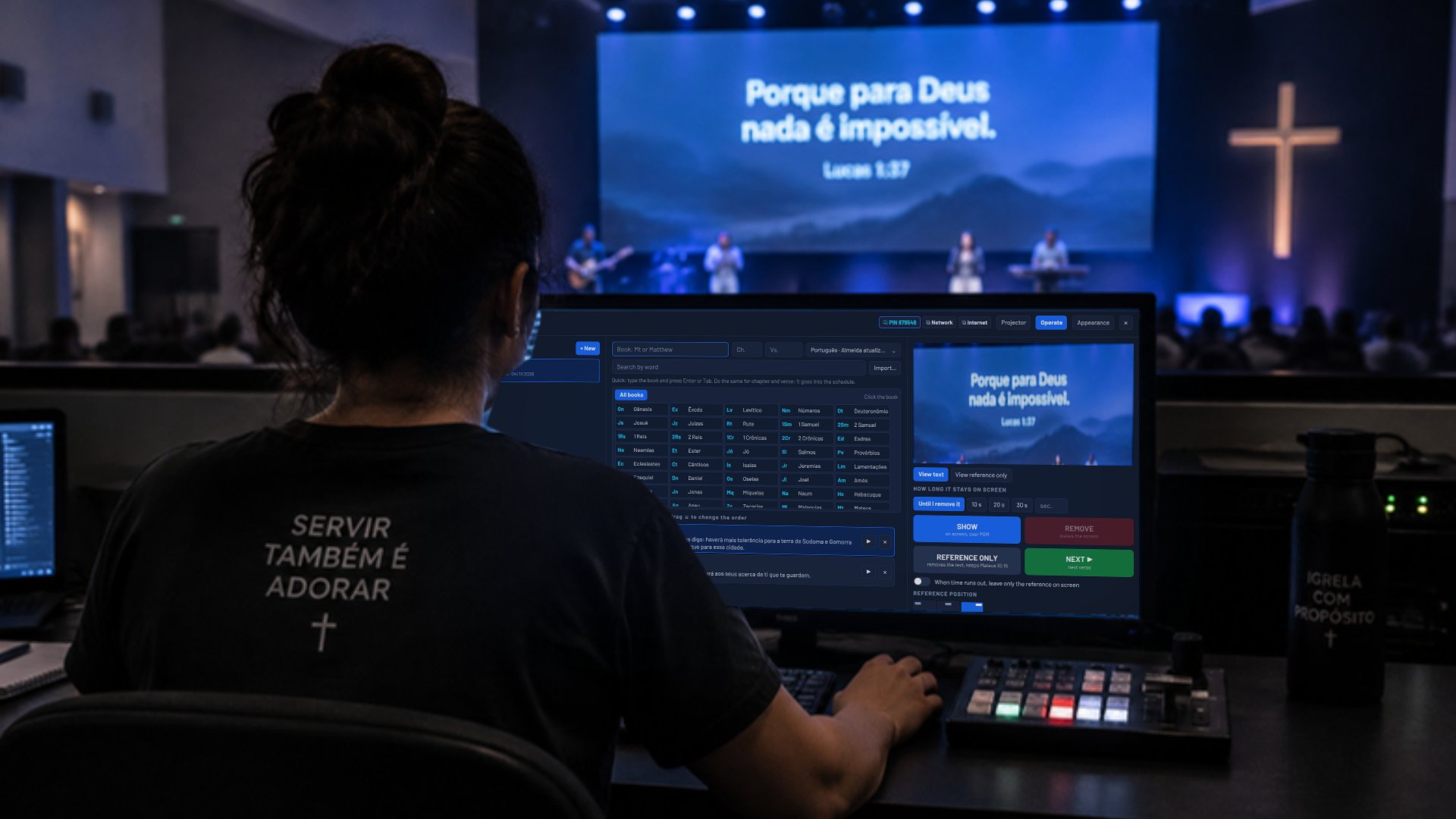
The room screen shows large text over the whole picture, because people read it from far away. In the stream, the camera picture is the content, and the words go in the lower part, in two lines, over the image.
If the presentation software has only one layout, the stream gets the full-screen slide. There are two ways out: cut to the slide as a full picture, or key it. A slide with white text on a plain green background can have the green removed by the chroma key of the streaming program, so that only the text stays over the camera. Text with shadows and thin fonts keys badly; use solid, thick letters.
Why the lyrics arrive late
- The network. Network video over Wi-Fi arrives in bursts. Connect both computers by cable to the same switch. The page on the network for NDI goes into detail.
- Conversion steps. Each adapter, splitter and scaler between the second screen output and the capture card adds a little delay. Use the shortest path.
- One computer doing everything. Projection and streaming on the same machine compete for the processor and the graphics. When the machine is at its limit, the text is the first thing to stutter.
- The operator. The slide has to change slightly before the first word is sung. A change that follows the singer is already late in the room, and later still for whoever is watching the stream.
- The delay of the cameras. Cameras arrive with their own delay, and the lyrics come by another path with a different one. If the text is consistently early or late compared to the picture, the difference is between those two paths.
How to test before the service
Put a slide change and a hand clap in front of a camera at the same moment, record a minute of the stream output and watch it. The recording shows whether the text changes before or after the picture, and by how much. Repeat with the network and the computer loaded as in the real event, with all the cameras on.
Leave one person responsible for the text. When the projection operator also advances the stream, both screens stay together and the lag that remains is technical and constant.
In NWK Live Production
NWK receives the three paths as inputs. An NDI source on the local network is added from a list and needs the free NDI Tools installed; see add an NDI source. A web page is added by its address, updates about 10 times per second and can be used on its own, as an overlay or inside a template; see add a web page. A capture card is added as a video device; see add a camera or capture card.
There is also a way without the second program. NWK has its own Bible and song lyrics inputs. Lyrics are typed, pasted or imported in TXT, LRC, ChordPro, OpenLyrics or OpenSong, each block becomes a slide, and the text goes on screen over the Program. Another person can run the lyrics or the verses from a browser. Bible and lyrics in NWK describes it, and preparing the lyrics before the service shows the work of the week.
Related questions
Can the same computer run the projection and the stream?
It can when it has headroom, and the text reaches the stream with the least delay because nothing travels between machines. The risk is that a problem in one program affects the other. Watch the processor during a full rehearsal before deciding.
Why do the lyrics have a black background in the stream?
Because the path does not carry transparency. A second screen output through a capture card is always a full picture. Use a path that carries a transparent background, or make the slide with a plain green background and remove the green with a chroma key.
Do I need NDI to bring the lyrics into the stream?
No. NDI is one of three ways. A second screen output connected to a capture card works with any presentation program, and some programs publish the text as a web page.
In the NWK help center
- Add an NDI® source
- Add a web page
- Add a camera or capture card
- Add and import song lyrics
- Add the Bible and choose the version
Written and reviewed by the NWK Live Production team (Setor 360 Tecnologia e Eventos Ltda). Published .
NWK receives NDI sources, web pages and capture cards as inputs, and has its own Bible and song lyrics.
Try NWK free for 7 days