Short answer
A corporate live stream fails in predictable places: slides nobody can read, a speaker who walks away from the microphone, a venue internet line shared with the audience and a name spelled wrong on screen. Bring the slides in as their own source, take the sound from the venue console, use a wired line with a second connection ready and get every name approved in writing. Rehearse with the real presenters whenever the client allows it.
On this page
What makes a company event hard to stream
| Difficulty | What works |
|---|---|
| Slides filmed from the projection screen are washed out and crooked | Take the slides as a separate source, straight from the presenter's computer |
| Presenters arrive minutes before, with no rehearsal | A written run of show, and a wide shot that is always safe to cut to |
| The speaker leaves the lectern and the sound disappears | A lapel or headset microphone on every speaker, mixed at the venue console |
| The venue internet slows down when the audience connects | A wired line reserved for the stream and a second connection from another provider |
| A wrong name, title or logo goes on air | One person at the client approves the list of names and the artwork, in writing, before the day |
| The room sound and the projector belong to another company | Agree in advance which signals you receive and which you deliver, and with which connectors |
The minimum setup that works
- Two cameras. A wide shot of the stage that never moves and a close shot of whoever is speaking. The multicamera plan for a corporate event goes into positions and lenses.
- Slides as a source. A copy of the signal that feeds the projector, into a capture device. See slides and camera together for the layouts.
- Sound from the console. A feed with the speech microphones and the audio of the videos. Listen to it on headphones during the sound check, not through the room speakers.
- Two ways out to the internet. The wired line and a backup that does not depend on the venue.
- A local recording. The client will ask for the video afterwards, and the recording does not depend on the connection.
What to settle with the client before the day
- Who can watch: an open stream, an unlisted link or a platform with login. This decides the destination and is the client's decision, not the operator's.
- The final slides, in 16:9, and the videos as files, delivered early enough to test them.
- The list of speakers with name and job title exactly as they must appear.
- What happens to the recording: who receives it, in which format and whether it will be edited.
- Access to the venue the day before, to test the line, the power and the cable paths.
If music or third-party videos will be played, ask the client who holds the rights. The rules change by country, so point the client to the rights organization of the country.
Where NWK Live Production helps
NWK Live Production is a live production program for Mac. For a company event, these documented features match the difficulties above:
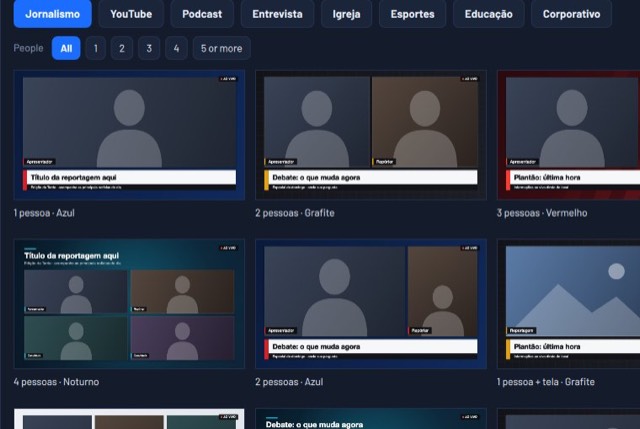
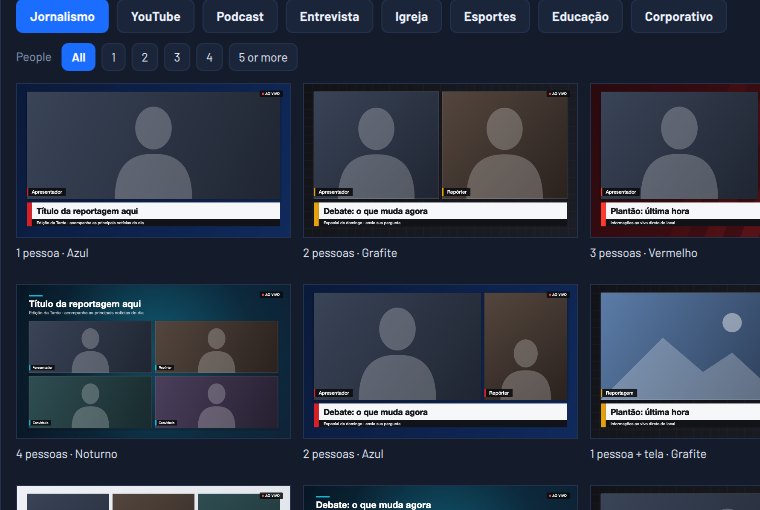
- Layouts for slide and speaker. The ready-made templates include a Corporate tab; you place cameras, guests or media in each slot. See ready-made templates.
- Name and role on screen. A lower third title with name, role, style and position, which can also read its text from a spreadsheet. See titles and lower thirds.
- A speaker who is somewhere else. The CALL input brings a guest in through a link opened in the browser. See remote guest with CALL.
- More than one internet connection. Up to 4 networks in use; if one drops, the destination reconnects through another in 1 to 3 seconds. See internet networks.
- A check before going live. A list that checks inputs, microphones, disk, internet and destinations. See check before going live.
- Recording. The Program is recorded with one button, and each camera can be recorded clean to its own file for the edit.
NWK is sold by subscription, with a 7-day free trial. See plans and pricing.
Related questions
How many people does it take to stream a corporate event?
One person can run two fixed cameras, slides and a feed from the venue console. Add a second person when a camera must follow the speaker, when there is a panel with several microphones or when names and titles change during the event.
How do I show the slides in the stream?
Take the slides as their own video source: a copy of the signal that goes to the projector, connected to a capture device. Filming the projection screen with a camera gives a washed-out, distorted image that is hard to read.
Should a company event be streamed publicly or privately?
It depends on the content, and the client decides. An unlisted link only hides the stream from search; anyone with the link can watch. When access must be restricted to certain people, use a platform that asks for login.
In the NWK help center
- Start with a ready-made template
- Titles and lower thirds
- Remote guest with CALL
- More than one internet connection
- Check before going live
Written and reviewed by the NWK Live Production team (Setor 360 Tecnologia e Eventos Ltda). Published .
NWK has ready-made Corporate layouts, name and role titles, guests by link and a check before going live.
Try NWK free for 7 days