
Short answer
A loudspeaker in the room causes echo on the stream because open microphones hear it a moment after the same sound has already entered the mix directly. To stop it, send to the speaker only what the room needs to hear, lower the speaker and place it on the side the microphones have their backs to, keep the microphones close to the mouth, mute the ones not in use and turn on echo cancellation on the microphones that stay open. Headphones remove the problem at the source whenever the format allows them.
On this page
Step by step
- List what the room really needs to hear from the speaker: the remote guest, the videos, the music.
- Build a separate mix for the speaker with only those sources, without the room's own microphones.
- Place the speaker on the side the microphones have their backs to, and lower its volume.
- Bring each microphone close to the mouth and lower the gain.
- Mute the microphones nobody is using.
- Silence every phone, tablet or computer in the room that is playing the stream.
- Turn on echo cancellation on the open microphones, then play a video on the speaker, record and listen.
Why the speaker causes echo
The sound of a video or of a remote guest enters the mix directly, with no delay. The same sound leaves the speaker, crosses the room and enters an open microphone. Sound travels about one meter every 3 milliseconds, and wireless speakers add their own delay. The stream receives the sound twice: once clean and once late, with the reverberation of the room.
This page is the setup for rooms with a speaker. If you do not yet know where the echo comes from, start with echo or doubled audio, which separates the causes.
Send the speaker only what the room needs
The most effective step costs nothing: do not send to the speaker what the room does not need to hear from it.
| Source | On the room speaker? |
|---|---|
| Remote guest or call | Yes, the people in the room have to hear the guest |
| Videos and music | Yes, at the lowest volume that works |
| Microphones of people in a small room | No. They hear each other directly |
| The whole stream mix | No. Use a separate mix |
A small studio that plays the whole program on the speaker sends every voice back into every microphone. A separate mix with the guest and the videos only leaves much less to cancel. The remote guest, in turn, needs a return without the guest's own voice: see mix-minus for remote guests.
Speaker and microphone position
- Speaker in front of the microphones. Directional microphones pick up less from behind. With the speaker in front of the presenters and pointing at them, the back of each microphone faces the speaker.
- Lower the speaker. Every decibel less on the speaker is a decibel less of echo.
- Microphone close to the mouth. A close microphone needs less gain, so it picks up less of the speaker.
- Fewer open microphones. Each open microphone is one more path for the speaker. Mute the ones not in use.
- No device playing the stream. A phone in the room showing the stream plays the sound many seconds late, and the microphones send that back to the stream.
Auditoriums and churches with a sound system
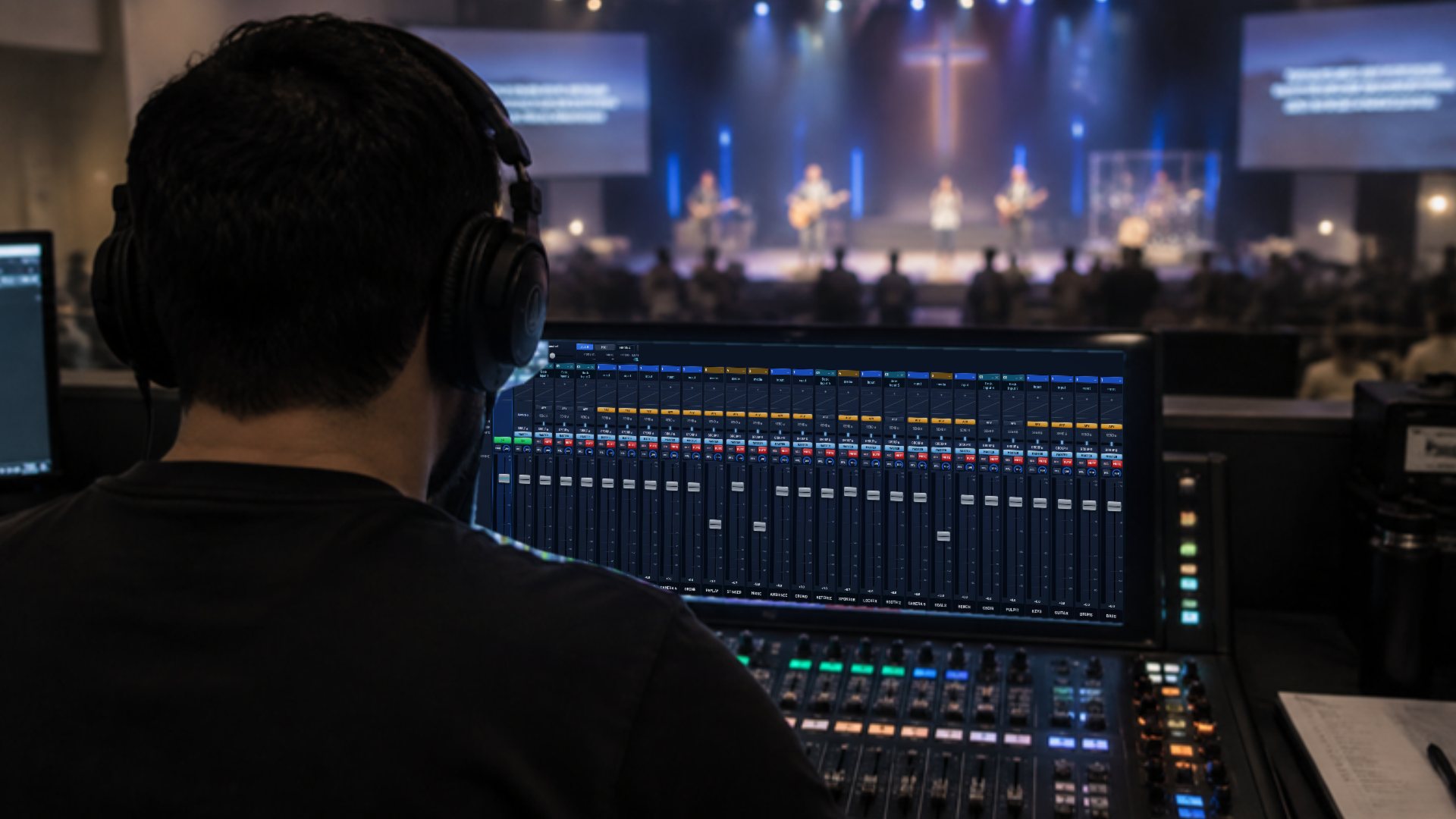
In a room with a sound system for the audience, take the sound for the stream from the mixing console, not from a microphone in the room. Speech microphones close to the mouth pick up little of the system.
An ambience microphone, used for applause and congregational singing, hears the sound system late in relation to the console feed. Two measures keep it from sounding like an echo:
- Keep the ambience microphone low in the mix and raise it only for applause and singing.
- Delay the console feed so that it lines up with the ambience microphone. As a starting value, use about 3 ms for each meter between the loudspeakers and the ambience microphone, and adjust by ear until the doubling disappears. Then check that the sound still matches the picture.
A howl that grows by itself is feedback, not echo: the sound system is amplifying its own microphone. It is solved at the room console, with less gain and a different speaker position.
Echo cancellation
Echo cancellation compares what the microphone hears with what is being sent to the speaker and removes the part that matches. It needs to know exactly which mix is playing on the speaker. It works better when the previous steps have been done: the less speaker sound in the microphone, the less the voice is affected.
With headphones there is no echo to cancel. Leave echo cancellation off for anyone wearing headphones.
The setup in NWK Live Production
- A mix for the speaker. Outputs A to E are mixes of their own: on each channel, you light the A to E buttons of the outputs it should go to. In the Audio tab of Settings, each output gets its device and channels. Outputs A–E do not go to the stream; the stream and the recording always get the Master. See outputs A–E and echo-free return.
- Echo cancellation. In the Native mixer, the FX window of the microphone has the Echo cancel tab. Turn on Echo cancellation (AEC), choose under The speaker is playing the mix that goes to the speaker (Master, an output A–E or Headphones / monitor) and choose the Strength: Soft, Normal or Strong. The Now row shows how much echo was removed and the delay between the speaker and the microphone. It learns within a few seconds of sound on the speaker and finds delays of up to 800 ms, including from Bluetooth speakers. See cancel speaker echo.
- Delay. Each channel has a Delay knob in the FX window, from 0 to 900 ms.
Related questions
Is echo cancellation better than headphones?
No. Headphones remove the cause, because no speaker sound reaches the microphones. Echo cancellation removes most of an echo that already exists and, at strong settings, may take a little of the voice with it. Use it when headphones do not fit the format.
Why does the echo only appear when a video plays or the guest speaks?
Because those are the sounds that come out of the room speaker. The presenters' voices do not go to the speaker, so they enter the mix once. The video and the guest enter directly and again through the open microphones.
Can I use a Bluetooth speaker in the studio?
You can, but a Bluetooth speaker adds a long delay, and the echo becomes a clear repetition. Lower the speaker, keep it away from the microphones and use echo cancellation that handles long delays. A wired speaker has less delay.
In the NWK help center
- Cancel speaker echo
- Outputs A–E and echo-free return
- Choose audio output devices
- Adjust gain, pan and delay
Written and reviewed by the NWK Live Production team (Setor 360 Tecnologia e Eventos Ltda). Published .
NWK has echo cancellation on the microphones and separate output mixes for the room speaker.
Try NWK free for 7 days
