Short answer
Apple ProRes is a family of video codecs created by Apple for editing and post-production. ProRes compresses each frame on its own, which makes the files easy for an editing program to play and cut, at the cost of files many times larger than H.264 or HEVC. The family has six versions, from ProRes 422 Proxy to ProRes 4444 XQ, and only the two 4444 versions carry transparency.
On this page
How ProRes works
Delivery codecs such as H.264 and HEVC save space by describing most frames as differences from neighboring frames. ProRes does not do that. Every frame in a ProRes file is a complete picture, compressed lightly and independently of the others. The page on I, P and B frames explains the difference.
The result is a file that asks little of the processor when you scrub, cut and stack several streams on a timeline, and that survives being exported again and again with little visible loss. The price is size. ProRes is a codec, and the file around it is usually a MOV; see codec vs container.
The six versions
Apple publishes a target data rate for each version at 1920 × 1080 and 29.97 frames per second. The real rate varies with the content, the frame size and the frame rate.
| Version | Target rate | Typical use |
|---|---|---|
| ProRes 4444 XQ | about 500 Mbps | Highest quality, visual effects, carries alpha |
| ProRes 4444 | about 330 Mbps | Graphics and animations with transparency |
| ProRes 422 HQ | about 220 Mbps | High-end finishing, 4:2:2 at 10 bits |
| ProRes 422 | about 147 Mbps | General editing |
| ProRes 422 LT | about 102 Mbps | Editing with less storage |
| ProRes 422 Proxy | about 45 Mbps | Light copies for offline editing |
According to Apple, ProRes 4444 and ProRes 4444 XQ are the only versions that support an alpha channel.
Where ProRes shows up in live production
- Animated graphics with transparency. Stingers, animated lower thirds and logos are often delivered as ProRes 4444 because the file carries the alpha channel with the picture.
- Recordings meant for editing. Some recorders and cameras write ProRes so the editor can start cutting without converting anything.
What the size means in practice
Simple arithmetic on the rates above: one hour at 147 Mbps is about 66 GB. One hour of H.264 at 20 Mbps is 9 GB. A three-hour event recorded in ProRes 422 needs about 200 GB for a single camera, and the disk has to write fast enough to keep up for the whole event.
ProRes and NWK Live Production
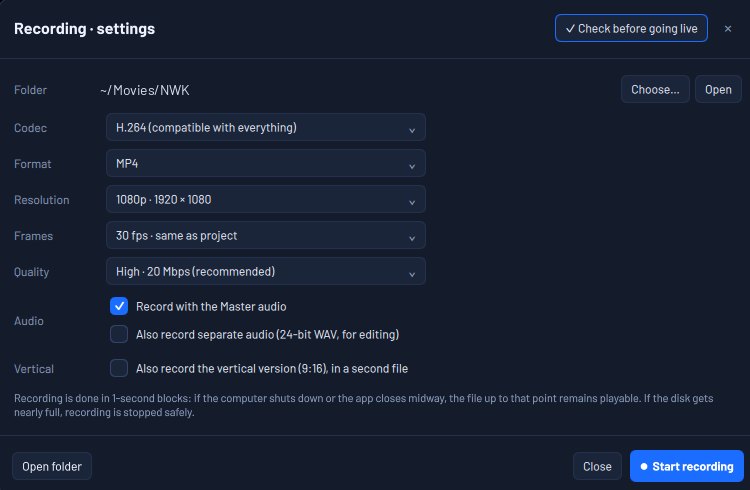
NWK Live Production records the Program in H.264 or HEVC, in MP4 or MOV, with three quality levels: Good at 12 Mbps, High at 20 Mbps and Maximum at 40 Mbps. See recording settings.
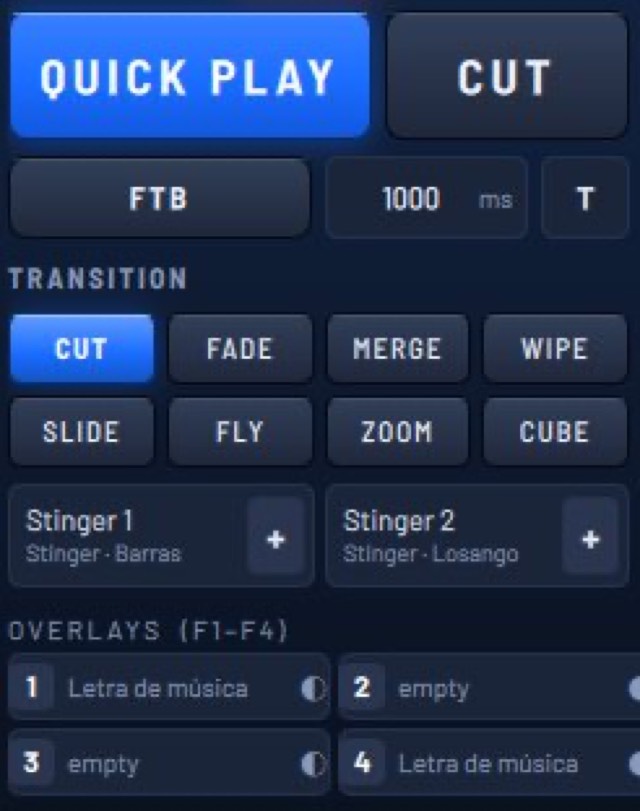
For the stinger, the usual choice in NWK is a video with transparency, such as ProRes 4444 or HEVC with alpha. A video without transparency also works, but it covers the whole screen during the transition. See use a stinger.
Common confusions
- ProRes is not lossless. ProRes discards information. The loss is small enough to be hard to see, even after several generations.
- ProRes is not ProRes RAW. ProRes RAW stores the sensor data of the camera before it becomes a normal picture. It is a different format with a similar name.
Related questions
Is ProRes better than H.264?
ProRes and H.264 serve different jobs. ProRes is better for editing: it decodes easily and holds up through repeated exports. H.264 is better for delivery and for long recordings, because the files are many times smaller at a quality the audience accepts.
Can I stream in ProRes?
No. Streaming platforms receive delivery codecs such as H.264, and the data rates of ProRes are far above what a live stream uses. ProRes stays inside the production: source files, recordings for editing and masters.
Which ProRes version has an alpha channel?
ProRes 4444 and ProRes 4444 XQ. Apple states that these are the only ProRes versions that support alpha. The 422 versions do not carry transparency.
In the NWK help center
Sources and references
Written and reviewed by the NWK Live Production team (Setor 360 Tecnologia e Eventos Ltda). Published .
NWK records the Program in H.264 or HEVC, in MP4 or MOV, and uses videos with transparency as stingers.
Try NWK free for 7 days