
Short answer
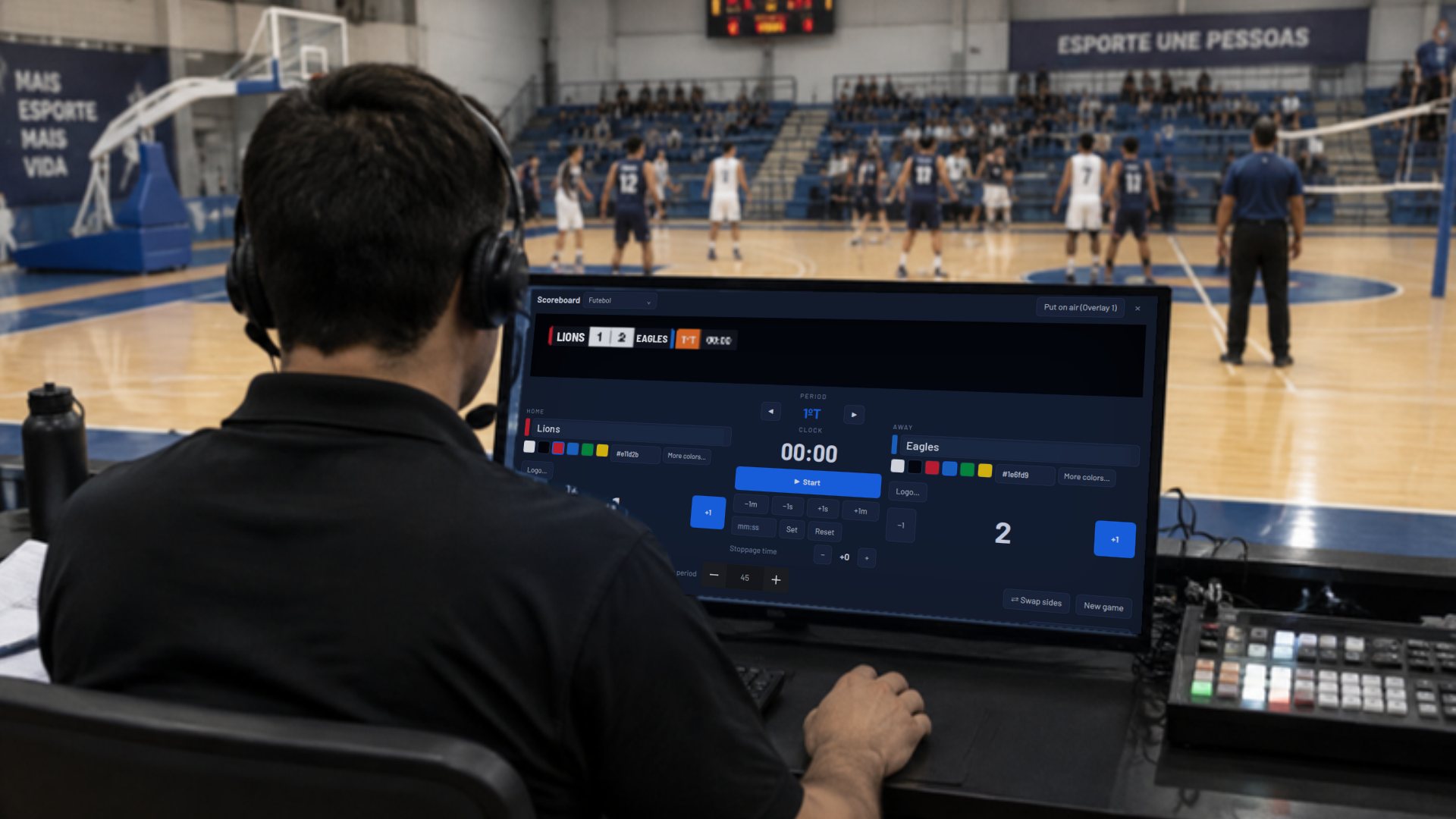
One person can switch, keep the scoreboard and show replays in the same game by giving each task its moment. With the ball in play, the wide camera stays on air and the only action is marking the play. With the ball stopped, the score is updated first and the replay comes after. When two tasks compete, the order is live picture, scoreboard, replay.
On this page
The order of priority
- Live picture and sound. If the game is on screen and can be heard, the stream is working.
- Scoreboard. Everyone notices a wrong score, and whoever joins in the middle looks for the score first.
- Replay. No one notices a replay that was not shown.
Decide this order before the game. Under pressure there is no time to decide, only to follow what was decided.
What to do at each moment of the game
| Moment | What you do |
|---|---|
| Ball in play | Wide camera on air. Watch the game, not the screens. Mark the play the moment it happens |
| Goal or point | Scoreboard key first. Replay second |
| Ball stopped | Show the marked play and return to live before the restart |
| Quick restart | Skip the replay. The play stays marked for the interval |
| Interval | Play the highlights. Check the stream, the recording and the disk |
Marking is what makes the rest possible. A play marked during the action costs one key press. A play that was not marked costs a search, with the eyes away from the game.
A setup that frees your attention
- A wide camera that always works. High, fixed, with the whole playing area in frame. It is the picture you return to without thinking.
- A fixed second camera. Framed on the goal or the basket, with no one operating it. It is the second angle of the replay.
- One key for each action. Each camera, the transition, the point for each team, the clock.
- The replay on its own screen, beside the main screen, so that preparing a play does not cover the live picture.
- Headphones on for the whole game.
Camera positions, sound and internet at the field are in the tutorial stream a game with scoreboard and replay. The general rules for working alone are in one-person live production.
What to leave out
- Following the play with a camera by hand.
- Replays of fouls and disputed calls. Keep the goals, the points and the big saves.
- More than one replay speed.
- Commentating while operating.
When a second person arrives, that person takes the main camera and follows the ball. The picture improves more with a camera that follows the game than with a second pair of hands at the computer.
In NWK Live Production
The NWK replay is operated in the browser, with its own PIN, and the live broadcast never stops: one screen shows what is on air and the other shows the play being edited. Plays are marked with one key, the replay uses the same shortcuts as Preview and a highlights playlist keeps the plays for halftime. The replay opens in the browser of a computer, tablet or phone, which lets it stay on a second device beside the main screen. See replay in NWK.
On the keyboard, 1 to 9 put the first nine inputs in Preview and Enter makes the transition. On the scoreboard, F5 and F6 give a point to home and visitor, and F7 starts and stops the clock. The scoreboard shortcuts work with the scoreboard window closed. The shortcuts apply with the NWK window in front.
Related questions
Can one person stream a game with scoreboard and replay?
Yes, with fixed cameras, one key for each action and a replay limited to the main plays, shown while play is stopped. What one person cannot do is also follow the ball with a camera.
What comes first after a goal, the scoreboard or the replay?
The scoreboard. Updating the score takes one key and the audience expects the score to be right. The replay comes next, if the game has not restarted.
What should I do when the game restarts before the replay ends?
Return to the live picture at once. The play stays marked and can go into the highlights of the interval.
In the NWK help center
Written and reviewed by the NWK Live Production team (Setor 360 Tecnologia e Eventos Ltda). Published .
NWK has switching, scoreboard and replay in one program, for Mac, with keys ready for the score and the clock.
Try NWK free for 7 days

