
Short answer
A school or amateur stream can have instant replay with two fixed cameras and a crew of one to three people, as long as the replay is kept small: only the scoring plays, from the best angle, at one slow speed, shown while play is stopped. The rest of the effort goes into a rule everyone on the crew knows and one rehearsal before the season.
On this page
A small replay, done well
Families watching want to see the goal or the point again. They do not miss a third angle. Decide before the season what the crew does every game and what waits until there are more hands.
| Item | Start with | Leave for later |
|---|---|---|
| Cameras | Two fixed cameras: one wide and high, one on the scoring area | A third camera, a camera that follows the play by hand |
| What is marked | Scoring plays and the big saves | Every foul and every disputed call |
| Speed | One slow speed for everything | A speed chosen play by play |
| Interval | The scoring plays of the half, in order | An edited package with music and titles |
How the number of cameras changes the replay is in how many cameras to record for replay.
Volunteers and students on the crew
In school sports the crew is different every week. What keeps the replay working is a setup that does not depend on who came.
- One written rule. The replay goes on air only with play stopped, and comes off before the restart.
- One rehearsal. Mark a play, choose the angle, put it on air, return to live. Repeat until each person does it without asking.
- The same setup every game. Same camera positions, same saved project, labels on the keys.
With one person doing everything, the question becomes where the attention goes at each moment. That is the subject of a whole game with one person.
Equipment the school already has
- Cameras. If the camera offers 50 or 60 frames per second, use it: slow motion from 25 or 30 frames looks stepped.
- Disk. Recording every angle for the whole game takes space, and a tournament has several games in a day. Check the free space before each game.
- Power and internet. A gym or a field rarely has both where the cameras need to be. Visit before the day.
Camera positions, sound, scoreboard and internet for a game are in the tutorial stream a game with scoreboard and replay.
Minors on screen
- Find out the rules of the school and of the league about showing students on a stream, and who has to authorize it. For the legal side, ask the school or the league.
- Do not replay injuries.
- Choose the good plays. Repeating in slow motion the mistake of a 14-year-old serves no one.
Replay in NWK Live Production
In NWK the replay is operated in the browser, with its own PIN, on a computer, tablet or phone, with nothing to install. Several angles record at once, plays are marked with one key, the speed goes from 25% to 200% and a highlights playlist keeps the plays for halftime. The live broadcast never stops while a play is prepared: one screen shows what is on air and the other shows the play being edited.
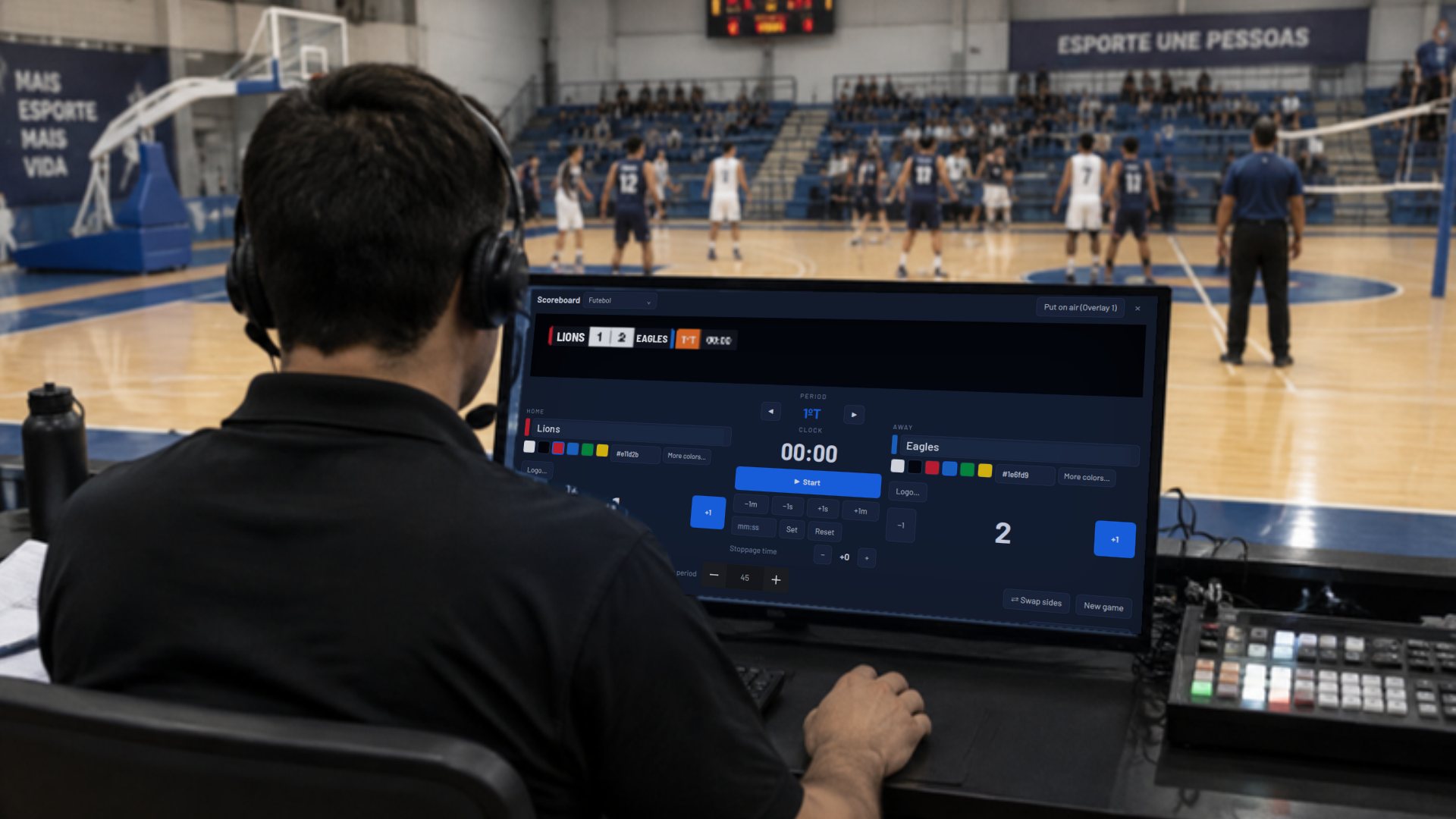
NWK also has a scoreboard for soccer, futsal, volleyball and basketball. NWK is sold by subscription, with a 7-day free trial; see the pricing page.
Related questions
Can one person run replay at a high school game?
Yes, if the cameras are fixed and the replay is limited to scoring plays shown while play is stopped. One person cannot also follow the action with a camera by hand.
How many cameras does a school game need for replay?
Two are enough to start: a wide, high camera that stays on air and a second camera on the scoring area, which gives the second angle of the goal or the point.
Is the replay of a stream valid for reviewing a referee's call?
Only if the rules of the league say so. The replay of a stream exists for the audience; a review of a call depends on the rules and on the officials of each competition.
In the NWK help center
Written and reviewed by the NWK Live Production team (Setor 360 Tecnologia e Eventos Ltda). Published .
NWK has switching, scoreboard and multi-angle replay in one program, for Mac.
Try NWK free for 7 days
