Short answer
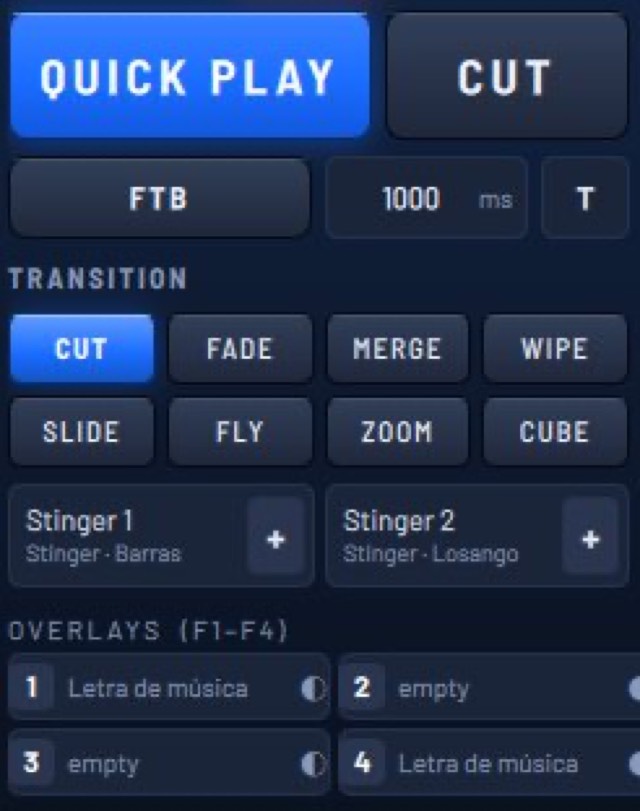
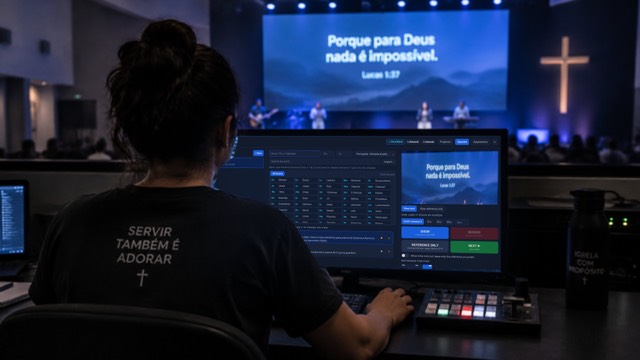
To control part of a live production from a tablet, the production program has to publish a control page that a browser on the same network can open. In NWK Live Production you turn on Operators in Settings, and the audio mixer, the Bible and the song lyrics each get an address and a 6-digit PIN. The operator opens the address on a tablet, phone or computer, types the PIN and works alongside the person who switches the cameras. Nothing is installed on the operator's device.
On this page
Why one keyboard is not enough
A live production has several jobs that happen at the same moment. The song changes verse while the camera has to change, and the pastor quotes a passage while a microphone starts to feed back. One person at one computer does these jobs one after the other, and the audience sees the delay.
A second keyboard on the same computer does not solve it, because both people fight over the same window. Each job needs a screen of its own, placed where that person can do the job well: the sound operator where the sound can be heard, the lyrics operator where the band can be seen. The roles of a small crew are described in who does what in a live production crew.
Which jobs are worth handing over
| Job | What the operator does | Good place to sit |
|---|---|---|
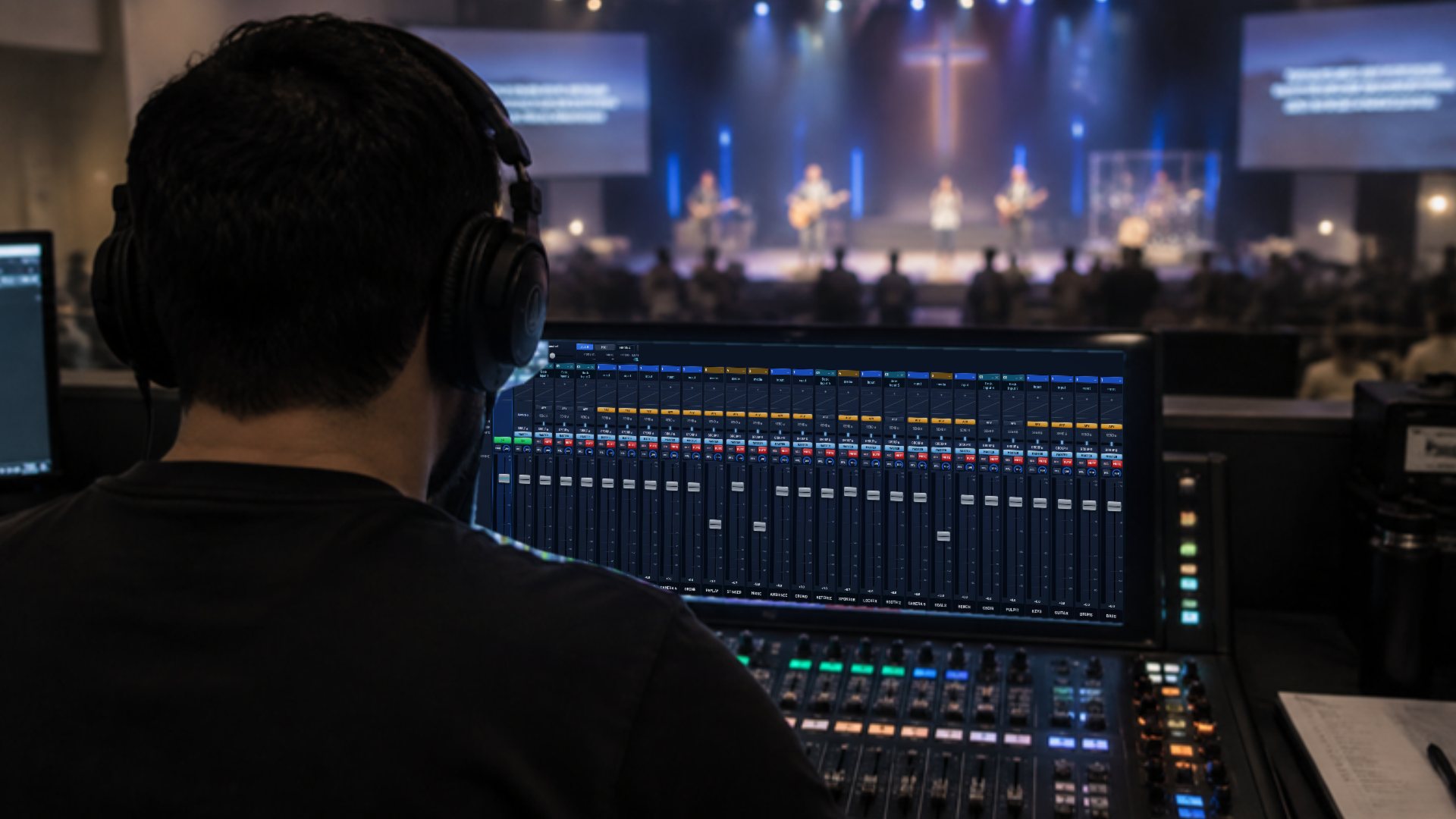
| Audio | Mixes the sound of the stream on a full mixer | A quiet spot with headphones, or next to the sound console |
| Bible | Finds the verse and puts it on screen | Anywhere the preacher can be heard clearly |
| Song lyrics | Moves through the sections of each song | In sight of the band |
| Scoreboard | Updates score, clock and period | At the side of the court or field |
The person at the main computer keeps the cameras, the transitions and the stream itself.
How NWK does it
In Settings, on the Operators tab, you turn on Local network. Three addresses appear: Audio Operator, GC Bible and GC Lyrics, each with its own PIN. You copy the address, send it to the operator with the PIN, and the operator opens it in the browser. A computer, a tablet or a phone works. The steps are in operators in the browser.
- Audio Operator opens the same mixer as NWK, with faders, meters and effects. The Listen button plays the sound of NWK in the operator's headphones, with a lower-quality option for a weak connection. See the audio operator.
- GC Bible searches by book, chapter, verse or word, puts the verse on air and takes it off, and builds schedules before the service.
- GC Lyrics chooses the song, moves through its sections and builds the order of songs.
The sports scoreboard of NWK can also be operated from a tablet, besides the keyboard shortcuts.
One PIN per job
Audio Operator, GC Bible and GC Lyrics have different PINs, so the person who runs the lyrics cannot touch the sound. The PIN stays the same after NWK is closed and opened again, and the operator's browser remembers it after the first time.
When someone should no longer have access, click New PIN for that job. Only the operator of that job is signed out; the others stay connected. A device that enters the wrong PIN several times is blocked for 5 minutes, and the Operators tab shows it. See operator PINs.
Same network or over the internet
| Local network | Internet | |
|---|---|---|
| Who can open it | Devices on the same Wi-Fi or network as the NWK computer | Anyone, anywhere |
| Protection | PIN | Secret address plus PIN |
Internet access is off until you turn on Also over the internet. The internet address can change on every restart, which needs no account, or be fixed, which needs a free account on an external service. Audio Operator over the internet requires an active license or the free trial. See operators over the internet.
Before the event
- Open each address on the device that will be used, on the venue network, before the audience arrives. A venue Wi-Fi that works in an empty room can slow down when it fills up.
- Keep tablets and phones on a charger and turn off automatic screen lock.
- Send each person only the address and PIN of their own job.
- Change the PIN of a job when a volunteer leaves the crew.
Related questions
Does the operator need to install an app on the tablet?
No. The operators of NWK use only the browser of a computer, tablet or phone. They open the address, type the PIN and start working.
Can the lyrics operator change the sound by mistake?
No. In NWK each job has its own address and its own PIN. The PIN of GC Lyrics does not open the audio mixer.
Can an operator work from another city?
Yes. Turn on Also over the internet in the Operators tab of NWK and send the internet address with the PIN. Audio Operator over the internet requires an active license or the free trial.
In the NWK help center
Written and reviewed by the NWK Live Production team (Setor 360 Tecnologia e Eventos Ltda). Published .
NWK has browser operators for audio, Bible and lyrics, each with its own PIN, on the local network or over the internet.
Try NWK free for 7 days