Short answer
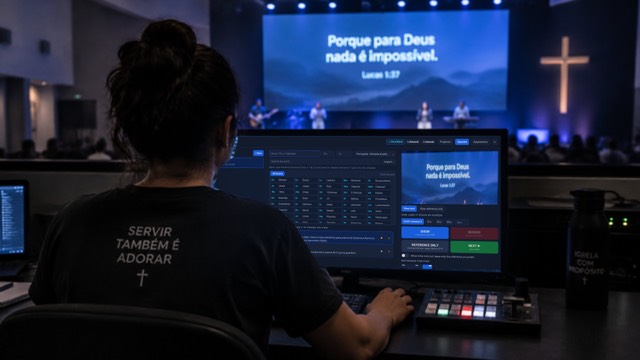
Worship presentation software takes care of the screen in the room: lyrics, verses, announcements and videos for the people who are present. Switcher software takes care of the stream: it chooses the camera, mixes the audio, puts the graphics over the picture and sends everything to the platforms. The two work together when the text from the presentation software enters the switcher as a source, and there are cases in which one of them does part of the other's job.
On this page
The role of each one
| Presentation software | Switcher software | |
|---|---|---|
| Audience | The people in the room | The people watching from outside |
| Screen it feeds | The big screen and the stage monitors | The stream and the recording |
| Content | Lyrics, verses, announcements, videos and backgrounds | Cameras, with text and graphics over them |
| Text format | Large, on the whole screen | At the bottom, in a few lines, over the camera picture |
| Sound | Plays the sound of its media | Mixes the sound that goes to the stream |
| What the operator follows | The order of service and the band | The action in front of the cameras |
The two formats of text are the reason the jobs are separate. A slide made to be read from the back of the room covers the preacher on the stream, and a line of text made for the stream is too small for the room.
How the two connect
The text leaves the presentation software and reaches the switcher by one of three paths: as a video source on the local network with NDI®, as a second-screen output connected to a capture card, or as a web page that the switcher loads. Video over the network and a web page can arrive with a transparent background; a capture card delivers a full picture.
Check which outputs the presentation software has. The useful question is whether it has an output made for the stream, separate from the output for the big screen, with its own format and a transparent background or separate key and fill signals. The three paths, and where the delay comes from in each, are in lyrics and slides from presentation software inside the stream.
One computer or two, one operator or two
- Two computers. Each program has its own machine. If one of them freezes, the other screen goes on. The cost is a second computer and a cabled network between the two.
- One computer. The two programs share the processor and the graphics. It works for a small setup, and it needs a test with every camera on and the heaviest video playing.
- One operator for the text. When the same person advances the text for the room and for the stream, the two screens move together.
- Two operators. One follows the service for the room, the other follows the cameras. This is the usual split when the stream has several cameras.
When one program does part of the other's job
The line between the two kinds of software is not fixed. Some presentation programs also stream and record, and some switcher programs have their own Bible and lyrics.
The official ProPresenter page, by Renewed Vision, checked on November 10, 2026, says that the program outputs over SDI, NDI and Syphon, has separate key and fill outputs for broadcast character generators, and supports multi-camera streaming and recording. The operating systems are not found on the page we checked.
Before putting both jobs in one program, check:
- In presentation software that streams: how many cameras it takes, how it mixes the audio, how many destinations it sends to and what it records.
- In switcher software with lyrics: whether it can feed the big screen with a text format different from the one on the stream, at the same time.
In NWK Live Production
NWK Live Production is switcher software for Mac with Apple Silicon. The Windows version is in development and is not available. NWK receives the presentation software by the three paths: an NDI source from the local network, which needs the free NDI Tools installed, a web page by its address, or a capture card. See adding an NDI source and adding a web page.
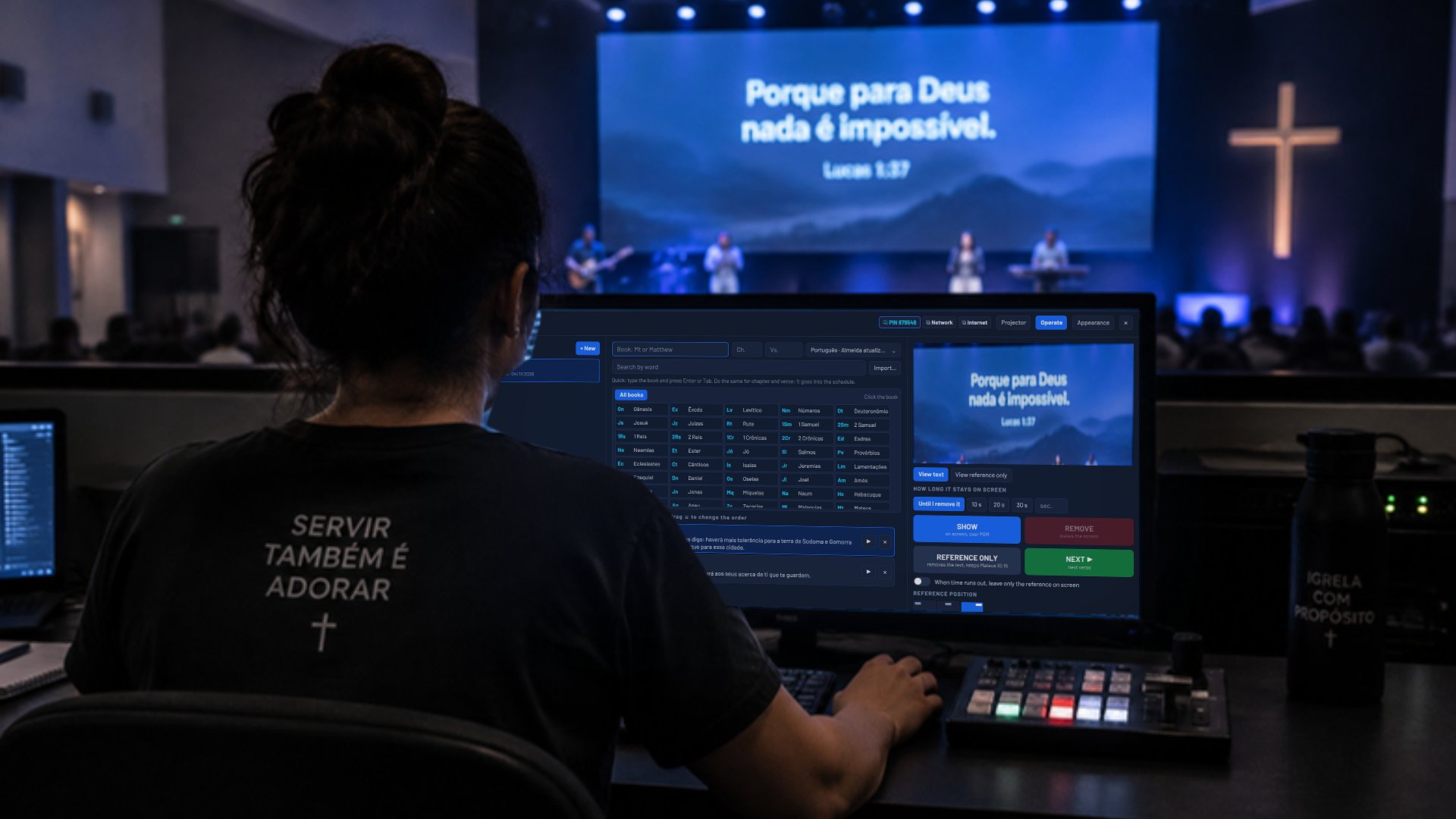
NWK also has its own Bible and song lyrics inputs. The text goes over the Program through an overlay, and another person can run the verses or the lyrics from a browser. Bible and lyrics in NWK describes them.
For the room, the full-screen output takes the Program to a big screen or a monitor connected to the computer. That is the same picture as the stream. When the room needs full-screen text and the stream needs text over the camera at the same time, the presentation software keeps feeding the big screen and NWK takes care of the stream. See showing the Program on a big screen.
NWK is sold as a subscription, with a 7-day free trial; the amounts are on the pricing page.
Trademarks and sources
ProPresenter is a product of Renewed Vision, LLC. NWK has no connection with that company. The information about ProPresenter comes from the public page listed in the sources, checked on November 10, 2026, and may have changed. The name is used only to identify the product.
Related questions
Do I need two programs to stream a church service?
Not always. A church that shows the same picture in the room and on the stream, or that has no big screen, can work with switcher software that has its own lyrics and Bible. A church that needs large text in the room and text over the camera on the stream at the same time uses two programs, or one program that feeds the two screens with different formats.
Can presentation software and switcher software run on the same computer?
They can, and they share the processor and the graphics of the machine. Test with every camera on, the stream on and the heaviest video of the service playing. If the text stutters or frames are dropped, move one of the programs to a second computer.
Who should advance the lyrics: the presentation operator or the stream operator?
One person should be responsible for the text. When the presentation operator's slide change also changes the text on the stream, the two screens move together, and the stream operator stays free to follow the cameras.
In the NWK help center
- Add an NDI® source
- Add a web page
- Add and import song lyrics
- Add the Bible and choose the version
- Show the Program on a big screen or another monitor
Sources and references
Written and reviewed by the NWK Live Production team (Setor 360 Tecnologia e Eventos Ltda). Published .
NWK receives NDI sources, web pages and capture cards as inputs, and has its own Bible and song lyrics.
Try NWK free for 7 days