Short answer
Put the main camera high, at the center line of the field or court, on a wide shot that follows the ball. That camera alone can carry the whole game. Add the second camera beside it for close shots, and the third and fourth behind a goal or at the ends. Keep every camera on the same side of the playing area, so that each team always attacks in the same direction on screen.
On this page
The main camera carries the game
The main camera stays high and centered, with a shot wide enough to show the ball and the players around it. Height is what separates the players from each other on screen: from ground level, the near players cover the far ones and the viewer loses the depth of the play. If the venue has stands, use the highest row at the center line. If the venue has no stands, a platform, a balcony or a tall tripod on a safe base does the same job.
The operator of the main camera follows the ball with slow movements and resists zooming in. The audience forgives a wide shot. The audience does not forgive losing the ball.
Every camera on the same side
Draw a line along the length of the field, from goal to goal. All the cameras that go on air during play stay on one side of that line. If one camera is on the opposite side, a cut to it makes the teams appear to swap ends, and the viewer no longer knows who is attacking.
A camera on the other side can still be useful as a reverse angle for the replay, shown with the ball stopped. The general logic of positions is in where to place cameras at a live event.
What each added camera brings
| Cameras | Position of the new camera | What it brings |
|---|---|---|
| 1 | High, at the center line, wide | The whole game |
| 2 | Beside the main camera or at field level near the center, on a tight shot | Faces, the coach, the celebration, the player about to take a free kick or a serve |
| 3 | Behind one goal or at one end, high if possible | The attack seen from the front and a second angle of the goal |
| 4 | The other end, or a handheld camera at field level | The same for the other team; benches and crowd |
Cut to the tight camera only when the ball is stopped or the play is slow. During play, the main camera stays on air. Which cameras to record for replay is a separate decision: see how many replay cameras.
Usual positions by type of sport
| Sport | Main camera | First extra camera |
|---|---|---|
| Field with goals (soccer, rugby, field hockey) | High, at the halfway line | Tight, beside the main camera |
| Indoor court (basketball, futsal, handball) | High, at center court, as far back as the stands allow | Low, behind one end line |
| Volleyball | High, on the side, aligned with the net | High, behind one end line, showing both formations |
| Racket sports | High, behind one end of the court, with both players in frame | Low, on the side, for close shots |
| Combat sports | Raised, facing one side of the ring or mat | Handheld, at the edge of the ring |
| Races (track, pool) | High, along the final straight | Aligned with the finish line |
On the ground
- Keep the sun behind the main camera. A camera facing the afternoon sun shows silhouettes.
- Raise the camera above the heads of spectators who will stand up at every goal.
- Use a tripod with a fluid head. A game is two hours of panning.
- Leave a safe distance between cameras at field level and the lines. Players and balls leave the field.
- Run the cables where nobody walks, or cover them.
- Check where the power comes from and bring rain covers for outdoor venues.
A complete walk-through of one game, from the cameras to the internet, is in streaming a game with scoreboard and replay.
Scoreboard, replay and recording in NWK
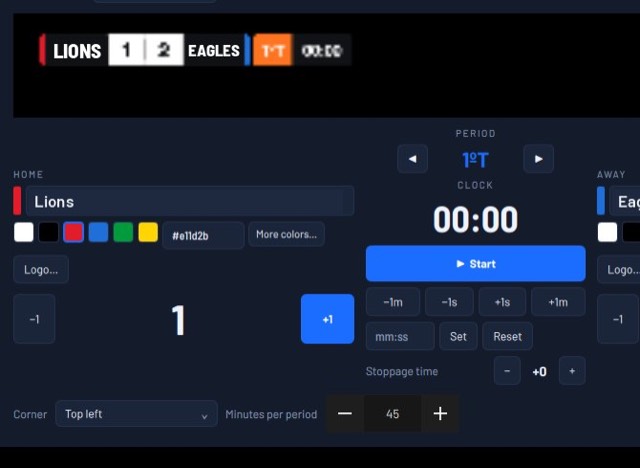
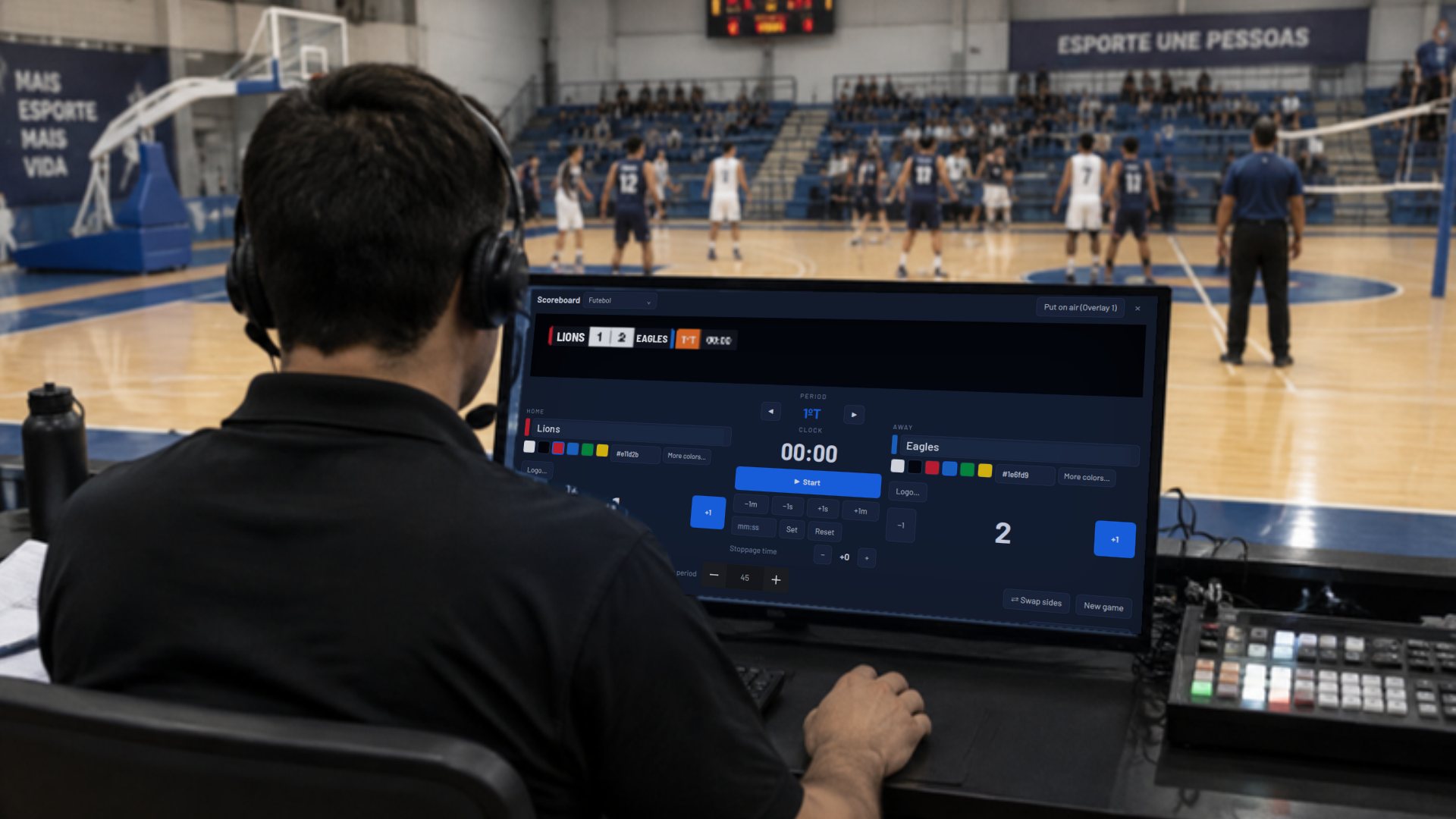
NWK Live Production has a sports scoreboard for soccer, futsal, volleyball and basketball, with clock and period, and with fouls, sets and possession according to the sport. The scoreboard goes on air as an overlay, and the points and the clock have keyboard shortcuts that work with the scoreboard window closed. See run a sports scoreboard. A second person can run the scoreboard from the browser of a tablet or phone, with a PIN.
The replay in NWK is operated in the browser, with its own PIN, and the live program never stops: several angles record at the same time, plays are marked with one key and the speed goes from 25% to 200%.
MultiCorder records each camera to its own file, with the clean picture and without overlays, so that the highlights can be edited later with every angle. See record each camera. NWK runs on Mac with Apple Silicon.
Related questions
Where do I put the camera if I have only one?
Put the single camera high, at the center line of the field or court, on a wide shot. From that position one camera shows both goals by panning and never has to cross the play. Do not put a single camera behind a goal: half of the game happens far away from it.
How high should the main camera be?
The main camera should be high enough to see the far sideline over the players on the near side and to see space between the players. In a venue with stands, the top row at the center line is the usual choice. On flat ground, use a platform or a tall tripod on a safe base, and keep people away from the legs.
Can I put a camera on the other side of the field?
A camera on the opposite side should not go on air during play, because the teams appear to change direction at the cut. The opposite side works for a replay angle, for interviews and for shots of the benches, shown when the ball is stopped.
In the NWK help center
Written and reviewed by the NWK Live Production team (Setor 360 Tecnologia e Eventos Ltda). Published .
NWK has switching, the scoreboard, replay and the audio mixer in one program for Mac.
Try NWK free for 7 days