
How to record every camera and audio channel during a live stream
What ISO recording and multitrack audio are, why they matter after the event and how to plan the storage they need.
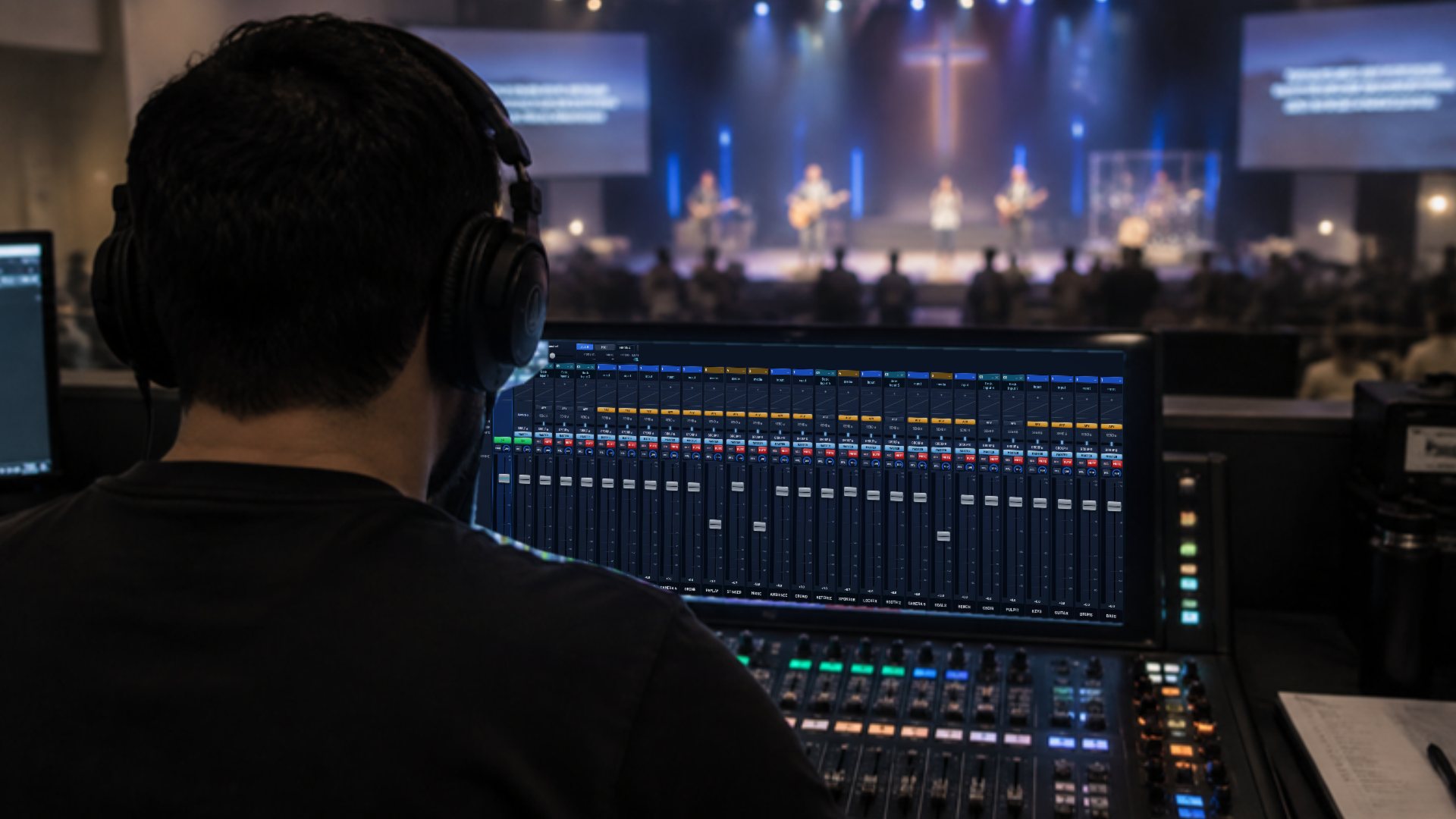
When a stream ends, the recording of the Program is exactly what went on air, including a late cut, a graphic in the wrong place or a microphone that was too loud. If you recorded only that, there is little left to fix. Recording each source separately changes what you can deliver the next day.
What ISO recording is
ISO means an isolated recording of a single camera: its own file, clean, with no graphics on top. With every camera recorded this way, an editor can redo the cuts, remove a mistake and build short clips for social media. In NWK on Mac, every selected input becomes its own file, and they all start together.
Why record each audio channel
A stereo mix can't be undone. If the band covered the speaker, it is covered forever. Multitrack recording keeps each mixer channel in its own file, so the balance can be rebuilt afterwards. NWK records each channel as a 48 kHz 32-bit float WAV, a format that keeps what went over the limit, and all the files start at the same time and open aligned in any DAW.
Plan storage before the event
Separate recordings multiply the data written during the show. Before the event, record a test with every camera and channel active and check how much space it uses per minute. Multiply that by the length of the event and add a margin. Use a fast drive and don't record to the same disk that is nearly full.
Protect what was recorded
NWK records in one-second chunks, so a computer that shuts down doesn't take the recording with it: what was recorded stays. After the event, copy the files to a second drive before leaving the venue.
What to record
- Program: what went on air, in H.264 or HEVC, as MP4 or MOV.
- Each camera: clean, for the re-edit (on Mac).
- Each audio channel: 32-bit float WAV, for the final mix.
- Vertical version: 9:16 alongside, for social media cuts (on Mac).
See the details on the recording page.
Quick answers
What is ISO recording in live production?
It is the separate recording of each camera in its own file, clean, with no graphics, so the event can be re-edited afterwards.
Which audio format does NWK use for multitrack recording?
One 48 kHz 32-bit float WAV per mixer channel, with all files aligned to open in any DAW.