
What happens to your live stream when the program closes
A closed window, a loose cable, a power cut. How to plan a live production so that one failure doesn't take it off air.
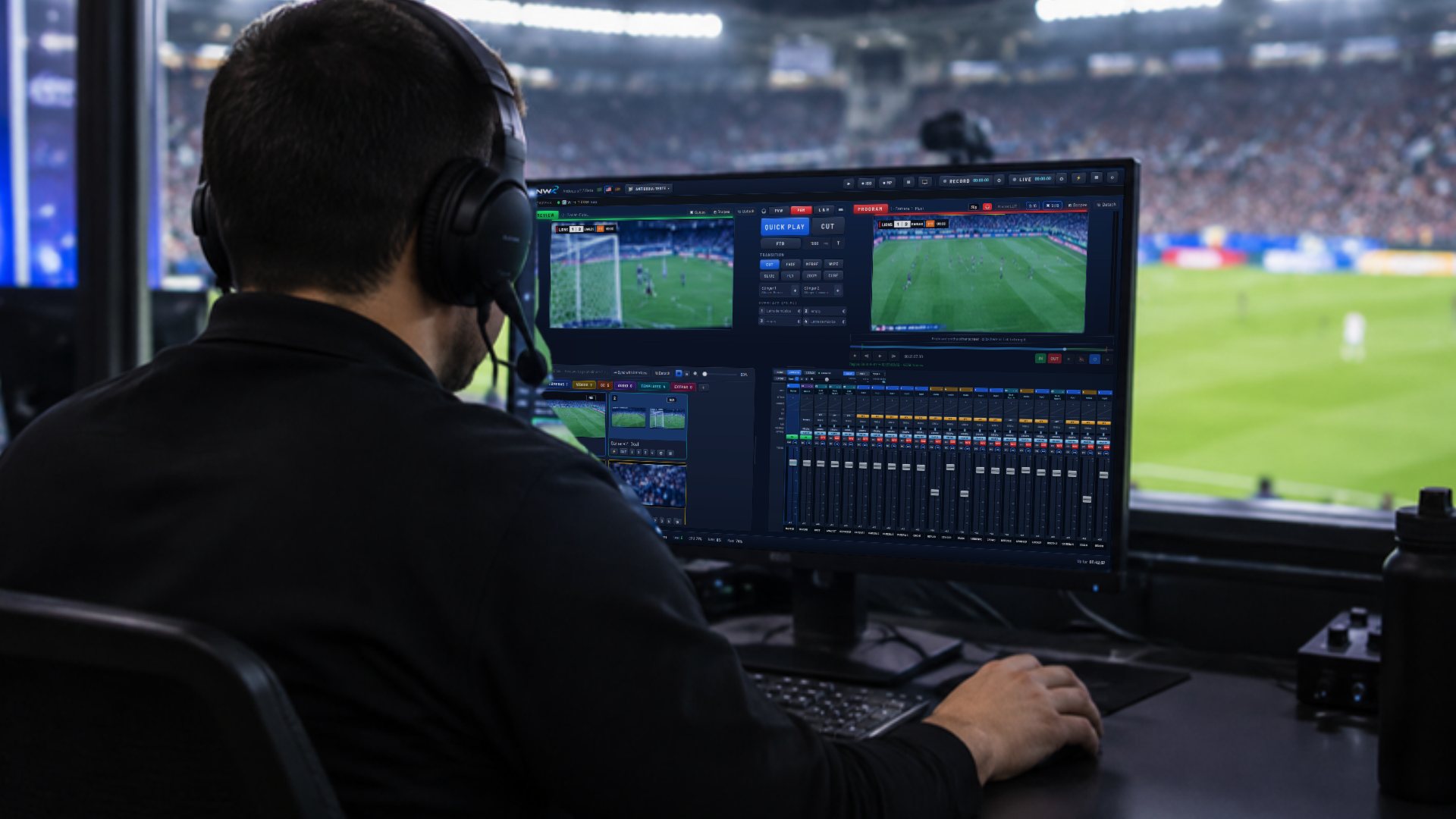
Services, games and graduations don't happen twice. The failure that takes them off air is rarely dramatic: a window closed by mistake, a capture card that disconnects, a key pressed at the wrong moment. Before any important event, it helps to go through each likely failure and decide what should happen next.
The program window closes or freezes
In many setups, the window and the broadcast are the same thing: lose one and you lose the other. In NWK, closing or freezing the window doesn't stop the stream or the recording. You open the program again and everything is in place. If any part stops, NWK comes back by itself in seconds, with the session, cameras, recordings and streams as they were.
A camera, capture card or audio interface drops
USB and HDMI cables get bumped during an event. Use short, secured cables and leave slack near the computer. If a device does disconnect, NWK reconnects it without anyone touching the program.
An audio plug-in crashes
Plug-ins are third-party code running in the middle of your sound. On Mac, NWK isolates them: if one crashes, the sound doesn't go down and the channel passes its signal straight through. It is still worth testing every plug-in in a long rehearsal before relying on it.
The computer loses power
No software keeps a computer running without electricity, so put the computer, the network equipment and the capture hardware on a UPS. If it shuts down anyway, what matters is what you still have. NWK records in chunks, so everything recorded up to that moment remains usable. When you turn the computer back on, NWK opens the same session and can resume the streams and recordings that were active.
The operator's hand
Under pressure, people press the wrong key. In NWK, the space bar never makes a transition, and ending the stream asks for confirmation.
Checklist before going live
- Rehearse for as long as the real event, not just five minutes.
- Turn off system sleep and automatic updates on the production computer.
- Put the computer and network equipment on a UPS.
- Secure every cable that could be pulled.
- Run the pre-flight check so that key, network and destination are tested before you go on air.
- Decide in advance who does what if something fails.
See everything NWK does to keep you on air on the stability page.
Quick answers
Does the stream stop if the program window closes?
Not in NWK. The stream and the recording keep going, and when you open the program again everything is in place.
What is left if the computer shuts down during recording?
NWK records in chunks, so everything recorded until the shutdown can still be used.